> ## Documentation Index
> Fetch the complete documentation index at: https://gcore.com/docs/llms.txt
> Use this file to discover all available pages before exploring further.
# Trial conditions
## Overview
The trial period allows you to test the service for free for a limited time, regardless of the plan you choose. Not all services offer a trial period. The table below shows which services offer trials, and any related conditions or comments.
To find information on specific services and tariffs, check [Gcore Pricing](https://gcore.com/pricing/edge-network) or the Gcore Customer Portal.
| **Service** | **Trial** | **Conditions** |
| ------------------------------------------ | --------- | -------------------------------------------------------------- |
| CDN (Free) | - | The free plan has no trial period but has a traffic limit 1 TB |
| CDN (Start, Pro) | + | 14 days or 300 GB, whichever ends first |
| Edge Cloud (AI, Basic VM, DDoS Protection) | - | - |
| Video Streaming | + | 14 days and 30 minutes of video |
| Web Application Security | + | 3 days |
| Managed DNS (Free) | - | The free plan has no trial period or limitations |
| Managed DNS (Pro) | + | 14 days |
| Object Storage | - | - |
**Note**: Сustomized test conditions are available for the Enterprise plans. Contact support or your personal manager to discuss them.
## How to start a trial
You can activate the trial for any of the plans for which it is available.
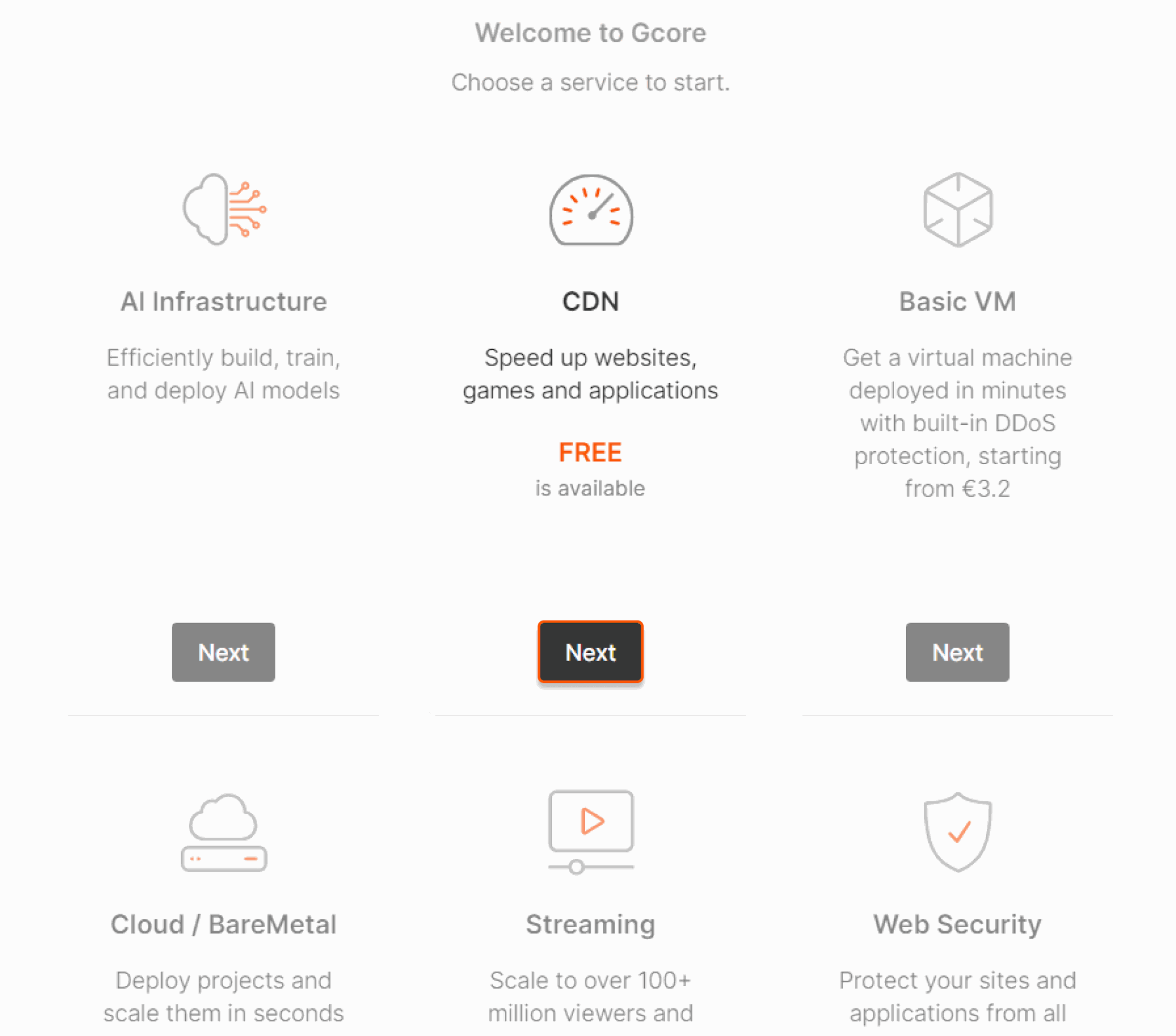
*If you are a new user*, the tariff activation page will appear when you open your [personal account](https://portal.gcore.com/accounts/reports/dashboard). Choose the service that has a trial. Click **Next** and follow the plan activation flow instructions.
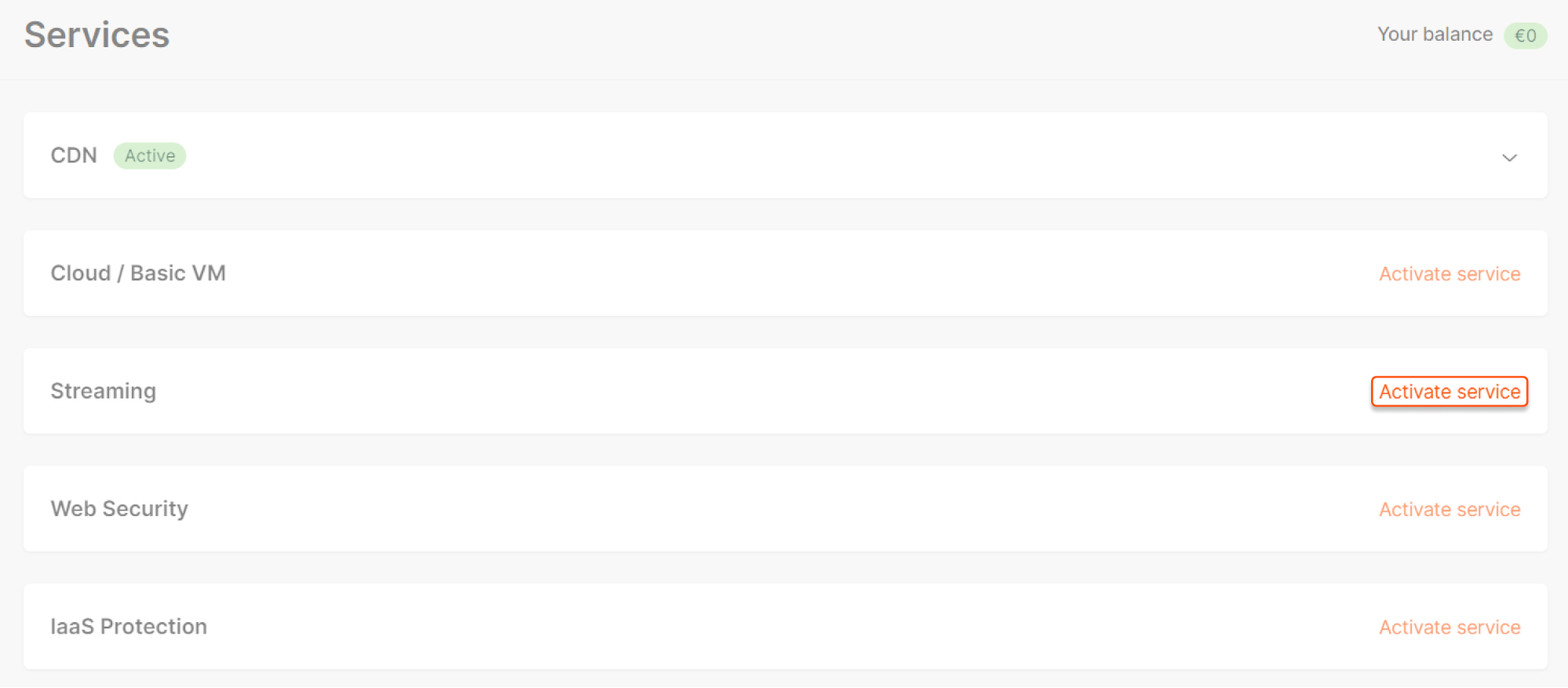
 *If you already have some services activated*, tariff plan activation (and trial if it exists) will be on the [Services](https://portal.gcore.com/accounts/settings/services) Billing page. Click **Activate service** and follow the instructions.
 You can also activate the plan by choosing the relevant service in the left navigation menu.
That's it! We will send you an email at the beginning of the trial and two days before the end of the trial.
Contact support ([support@gcore.com](mailto:support@gcore.com) or chat) or your manager to extend the trial duration or add GB.
**Info**
The flow differs for some services (e.g., DDoS Protection). Follow the recommendations from the Gcore Customer Portal to activate the service.
You can also activate the plan by choosing the relevant service in the left navigation menu.
That's it! We will send you an email at the beginning of the trial and two days before the end of the trial.
Contact support ([support@gcore.com](mailto:support@gcore.com) or chat) or your manager to extend the trial duration or add GB.
**Info**
The flow differs for some services (e.g., DDoS Protection). Follow the recommendations from the Gcore Customer Portal to activate the service.