> ## Documentation Index
> Fetch the complete documentation index at: https://gcore.com/docs/llms.txt
> Use this file to discover all available pages before exploring further.
# Network limits: set the content delivery speed to end users
## Option setting
The "Download Speed Limit" option allows you to control the content delivery speed to end users.
To configure the speed limit via the Gcore Customer Portal:
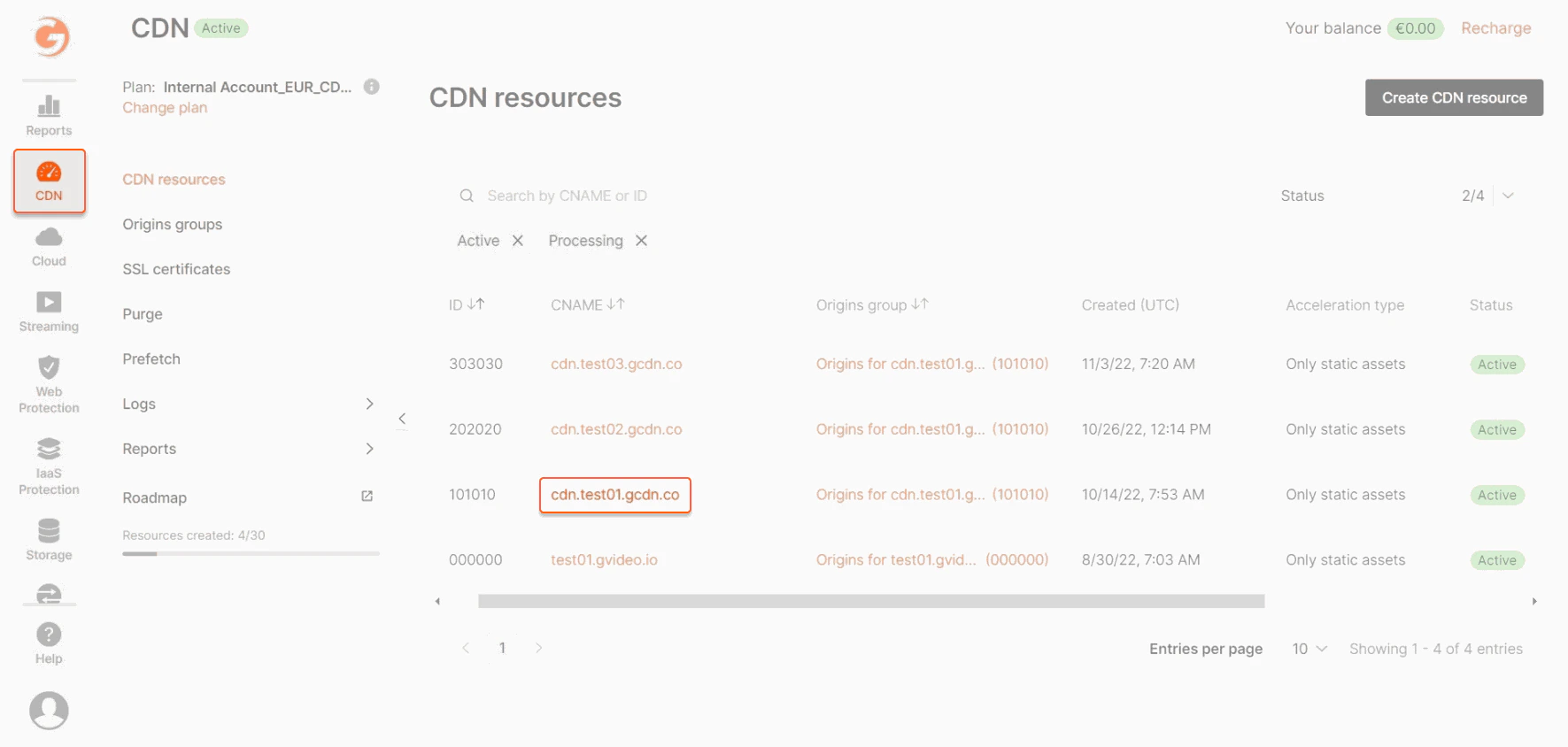
1\. Go to CDN and select the CDN resource you want to configure.
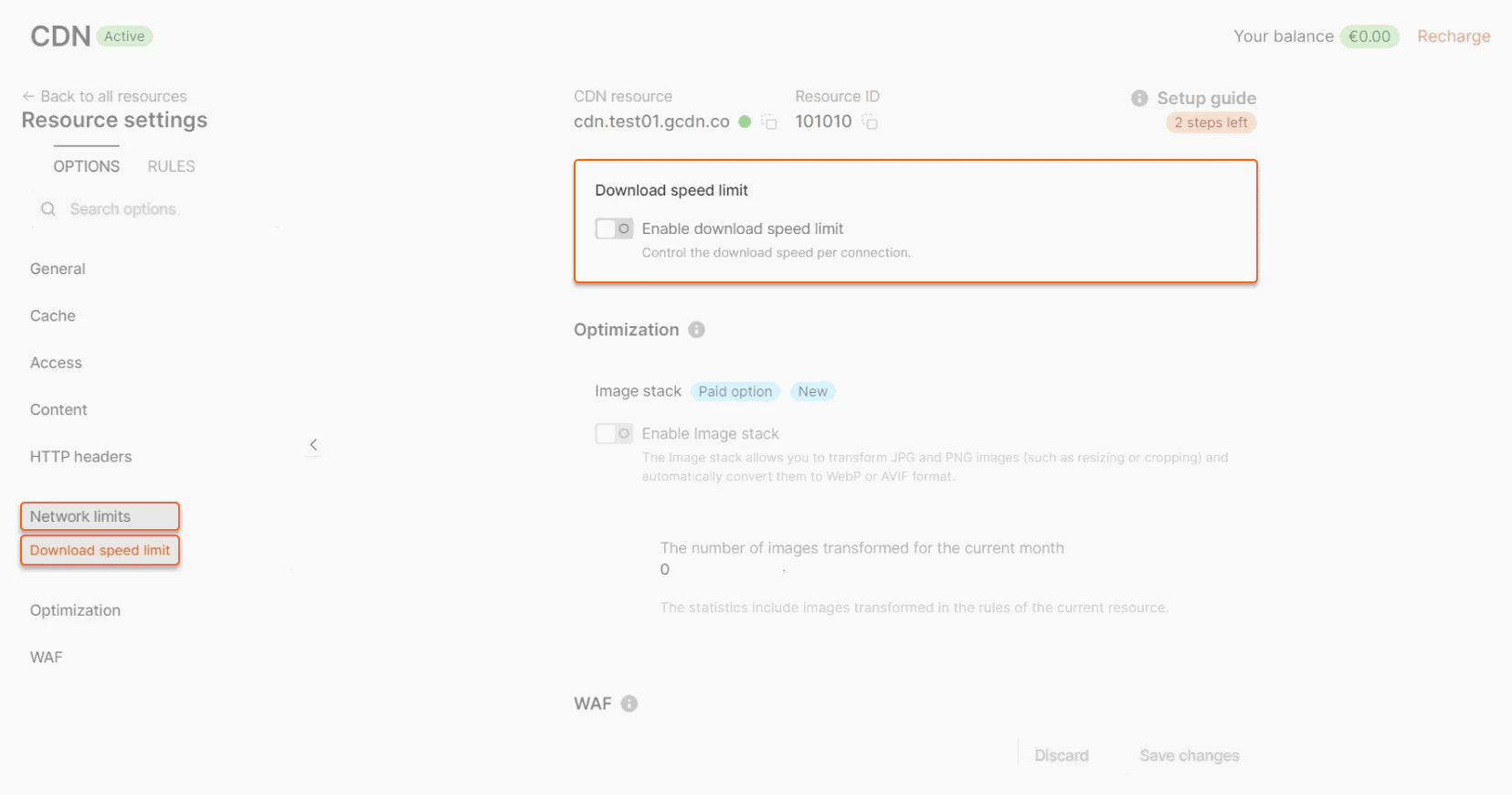
 2\. In the sidebar, under the "Network limits" section, click **Download speed limit**.
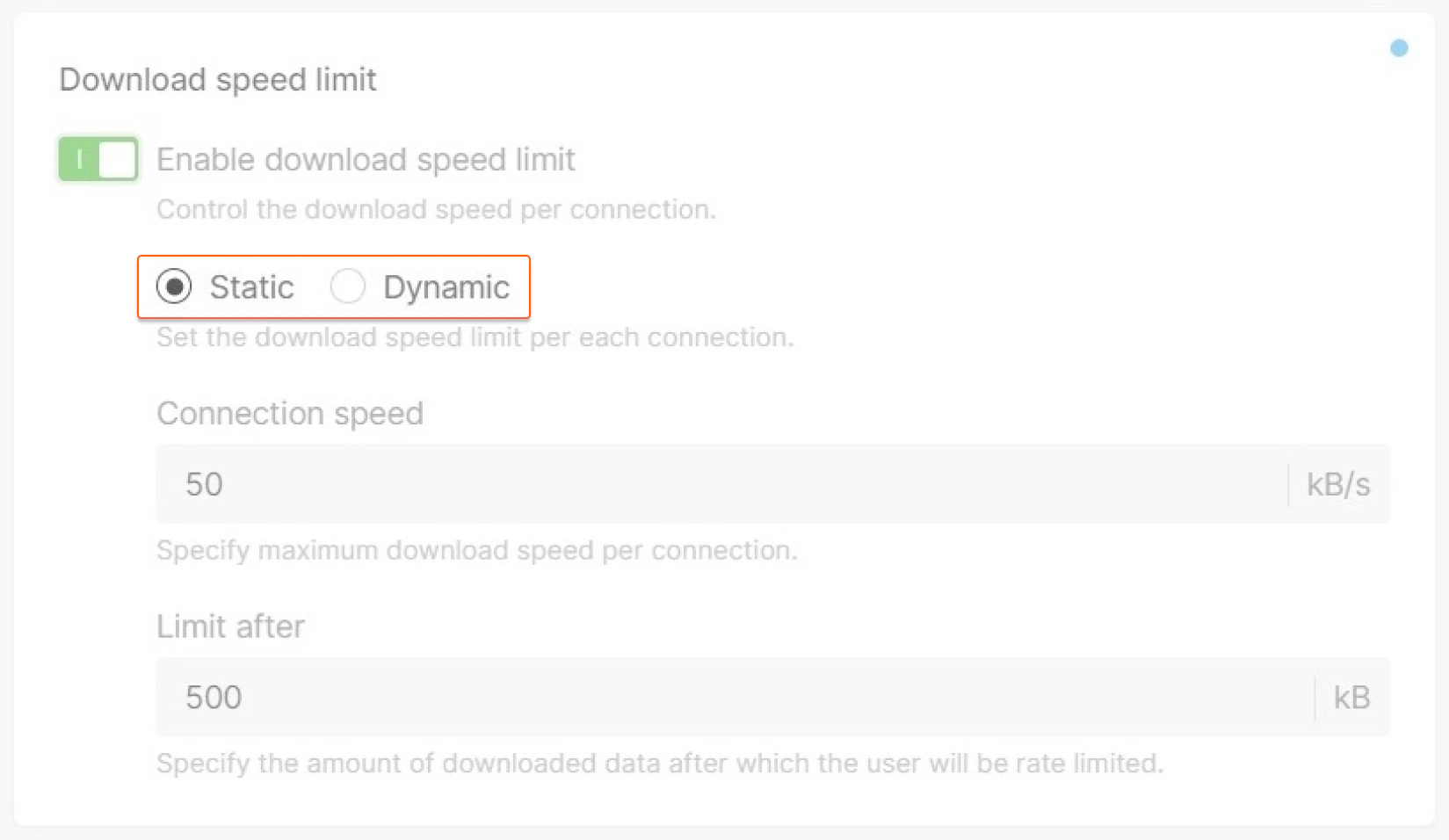
 This option has 2 modes: *Static* and *Dynamic*.
 ## Static
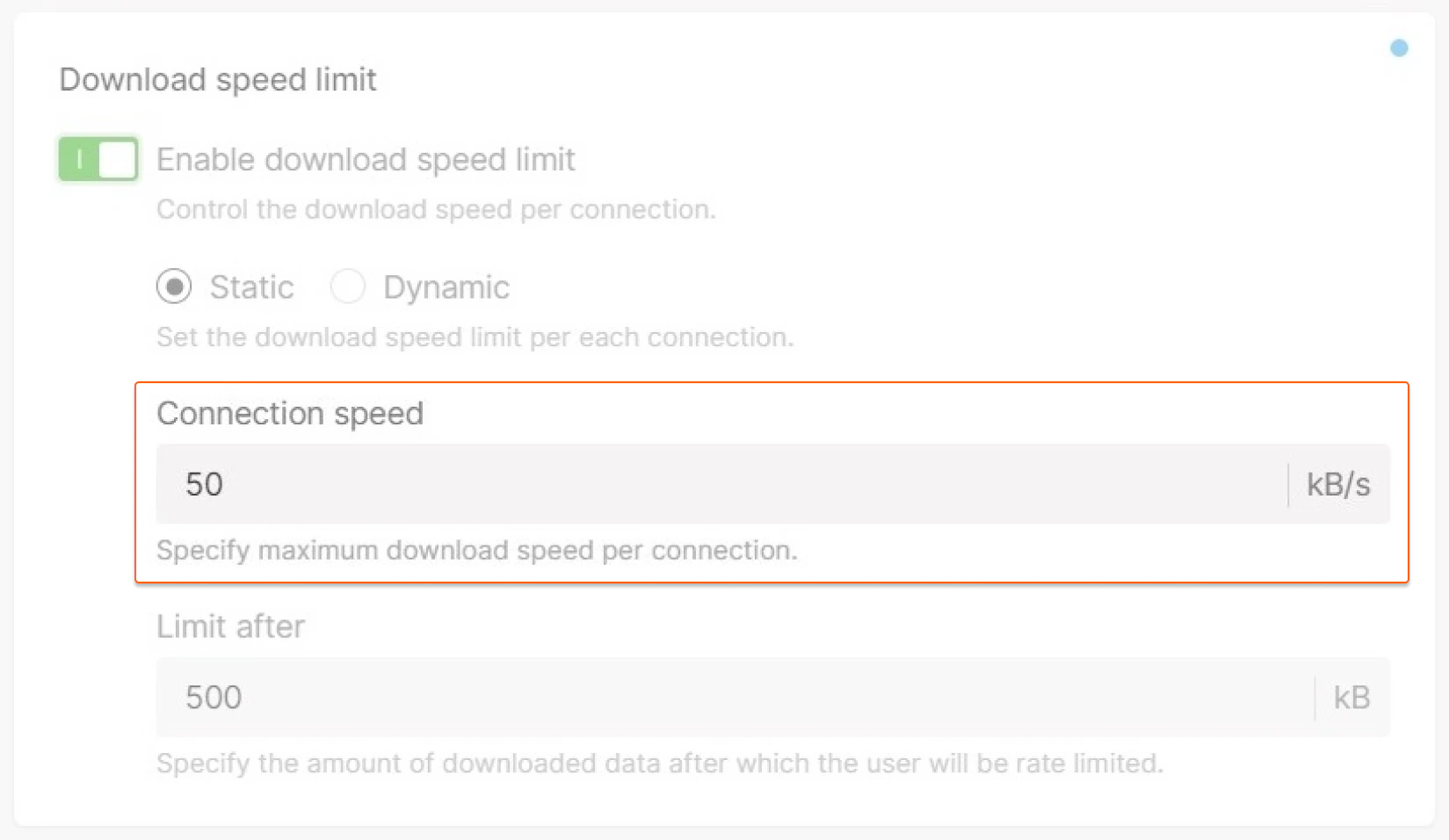
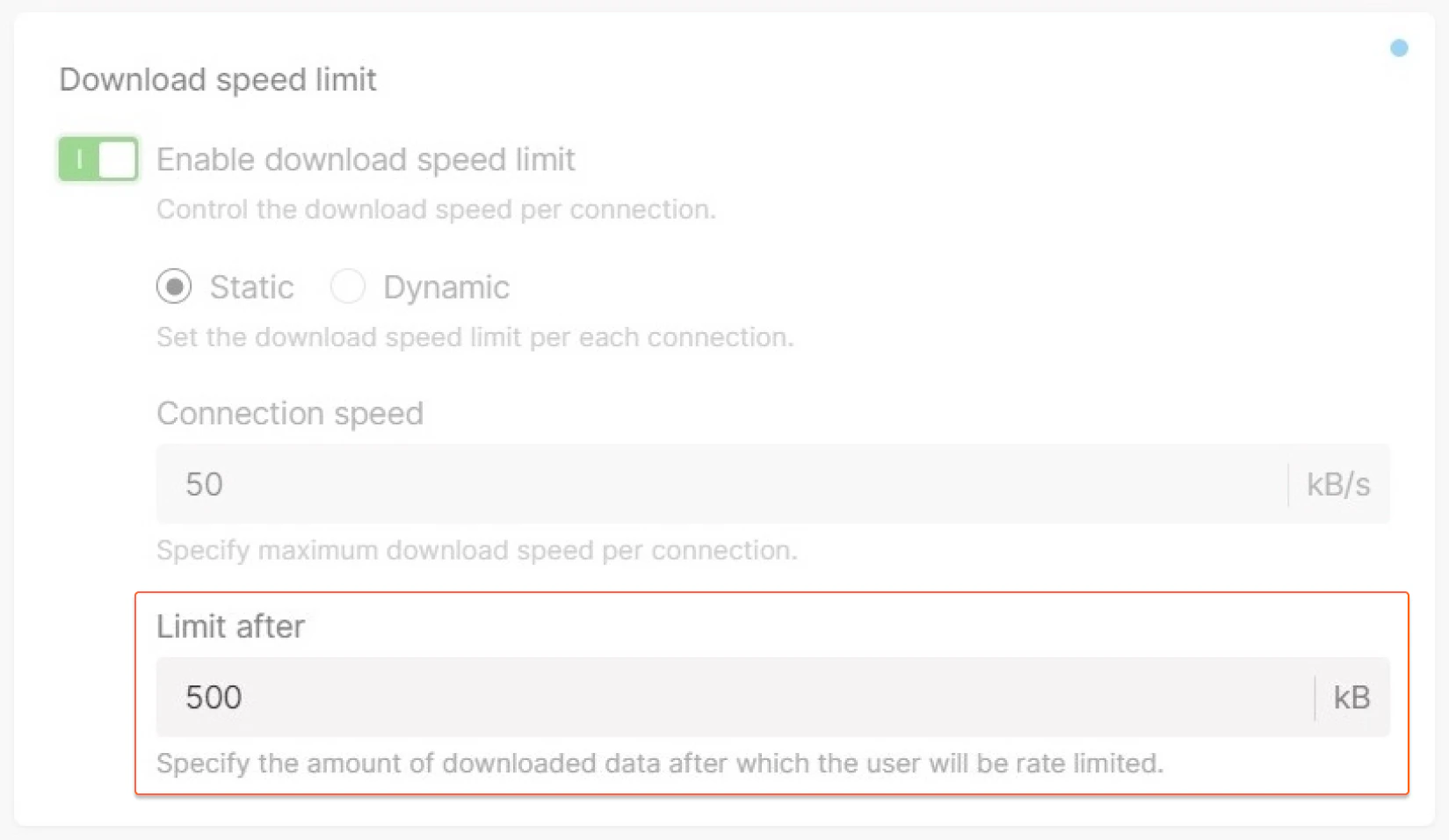
This mode sets a limit on all content that is transmitted through the CDN. When this mode is selected, you can define the "Connection Speed" and "Limit After" parameters.
### Connection speed
This setting defines the maximum download speed per connection in Kilobytes per second (KB/s). This parameter only accepts values equal to or higher than 1 KB/s.
## Static
This mode sets a limit on all content that is transmitted through the CDN. When this mode is selected, you can define the "Connection Speed" and "Limit After" parameters.
### Connection speed
This setting defines the maximum download speed per connection in Kilobytes per second (KB/s). This parameter only accepts values equal to or higher than 1 KB/s.
 ### Limit after
This setting defines the amount of data that can be downloaded without limit before the Connection Speed parameter takes effect. If set to 0, the download speed will be limited immediately from the first byte.
### Limit after
This setting defines the amount of data that can be downloaded without limit before the Connection Speed parameter takes effect. If set to 0, the download speed will be limited immediately from the first byte.
 ## Dynamic
This mode sets different limits for different users or for different types of content. The speed is adjusted based on requests with the "speed" and "buffer" arguments.
## Dynamic
This mode sets different limits for different users or for different types of content. The speed is adjusted based on requests with the "speed" and "buffer" arguments.
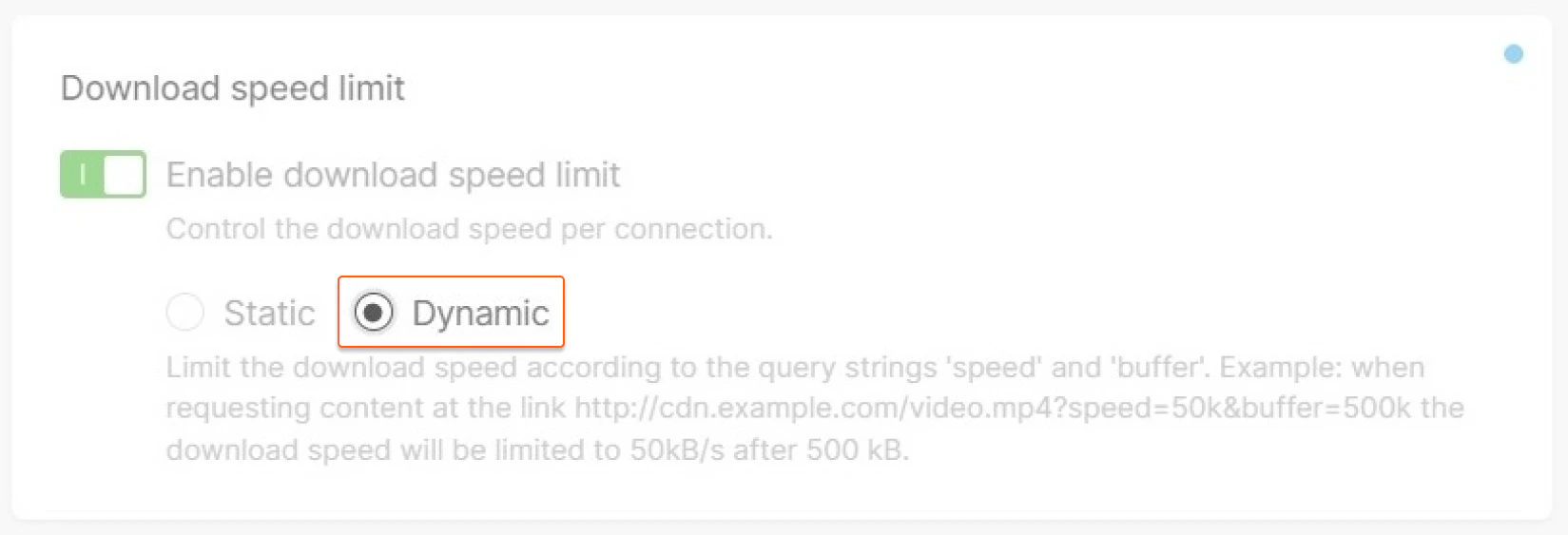 The *speed* sets the maximum download speed, while the *buffer* sets how much data will be transferred without the speed limit. The buffer argument is optional.
Typically, these arguments are passed as parameters in a query string. For example, the following URL would limit download speed to 50 KB/s after downloading 500 KB:
```
http://cdn.example.com/video.mp4?speed=50k&buffer=500k
```
## Option features
* For both modes, the limit is set per request, so if the client opens two connections at the same time, the total speed will be twice the specified limit.
* [Ignore Query String](/cdn/cdn-resource-options/cache/ignore-the-set-cookie-or-query-string-parameters-when-caching-content-on-cdn-servers#query-string-setting) option does not affect the Download Speed Limit option. They can be used together.
The *speed* sets the maximum download speed, while the *buffer* sets how much data will be transferred without the speed limit. The buffer argument is optional.
Typically, these arguments are passed as parameters in a query string. For example, the following URL would limit download speed to 50 KB/s after downloading 500 KB:
```
http://cdn.example.com/video.mp4?speed=50k&buffer=500k
```
## Option features
* For both modes, the limit is set per request, so if the client opens two connections at the same time, the total speed will be twice the specified limit.
* [Ignore Query String](/cdn/cdn-resource-options/cache/ignore-the-set-cookie-or-query-string-parameters-when-caching-content-on-cdn-servers#query-string-setting) option does not affect the Download Speed Limit option. They can be used together.