> ## Documentation Index
> Fetch the complete documentation index at: https://gcore.com/docs/llms.txt
> Use this file to discover all available pages before exploring further.
# Import and export records
Use import and export to gain more control over DNS records and make domain migration easier.
1\. Navigate to the [All zones](https://portal.gcore.com/dns/zones) tab and select the domain zone into which you want to import the records.
 2\. Click **Export records** or **Import records**, depending on your task, and follow the appropriate instructions below.
 After clicking **Export records**, the BIND zone file will be downloaded to your PC as a text file with the .zone extension, e.g., `sample-test.com.zone`.
The downloaded file will contain information about the zone, including the domain name, TTL, RRset, time intervals (refresh, update, and expiry), and the authoritative NS server. For example:
```sh theme={null}
$ORIGIN test.dnsexample.com.
$TTL 300
@ IN SOA ns1.gcorelabs.net. support.gcore.com. (
1690969313 ; serial number
5400 ; refresh
3600 ; update retry
1209600 ; expiry
300 ; minimum
)
$TTL 3600
@ IN NS ns1.gcorelabs.net.
@ IN NS ns2.gcdn.services.
$TTL 600
@ IN A 1.2.3.4
@ IN A 4.5.6.7
* IN CNAME sample.domains.com.
* IN CNAME sample-2.domains.com.
```
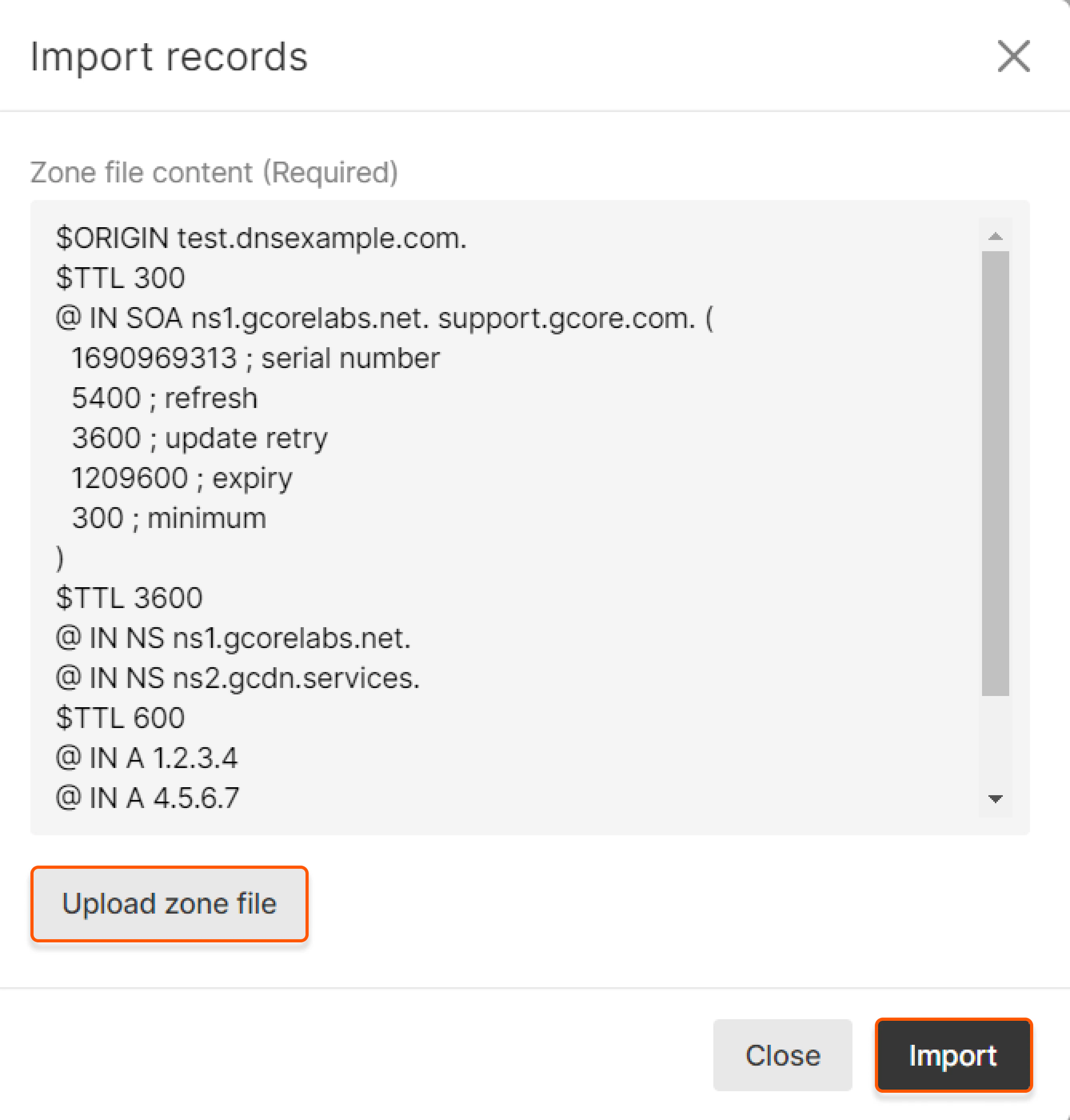
After clicking **Import records**, a new pop-up will appear. Specify the content of the BIND zone file for your domain or click **Upload zone file** to import records from the file with the .zone extension. Then, click **Import**.
After clicking **Export records**, the BIND zone file will be downloaded to your PC as a text file with the .zone extension, e.g., `sample-test.com.zone`.
The downloaded file will contain information about the zone, including the domain name, TTL, RRset, time intervals (refresh, update, and expiry), and the authoritative NS server. For example:
```sh theme={null}
$ORIGIN test.dnsexample.com.
$TTL 300
@ IN SOA ns1.gcorelabs.net. support.gcore.com. (
1690969313 ; serial number
5400 ; refresh
3600 ; update retry
1209600 ; expiry
300 ; minimum
)
$TTL 3600
@ IN NS ns1.gcorelabs.net.
@ IN NS ns2.gcdn.services.
$TTL 600
@ IN A 1.2.3.4
@ IN A 4.5.6.7
* IN CNAME sample.domains.com.
* IN CNAME sample-2.domains.com.
```
After clicking **Import records**, a new pop-up will appear. Specify the content of the BIND zone file for your domain or click **Upload zone file** to import records from the file with the .zone extension. Then, click **Import**.