



What is DNS load balancing?
- November 19, 2025
- 3 min read
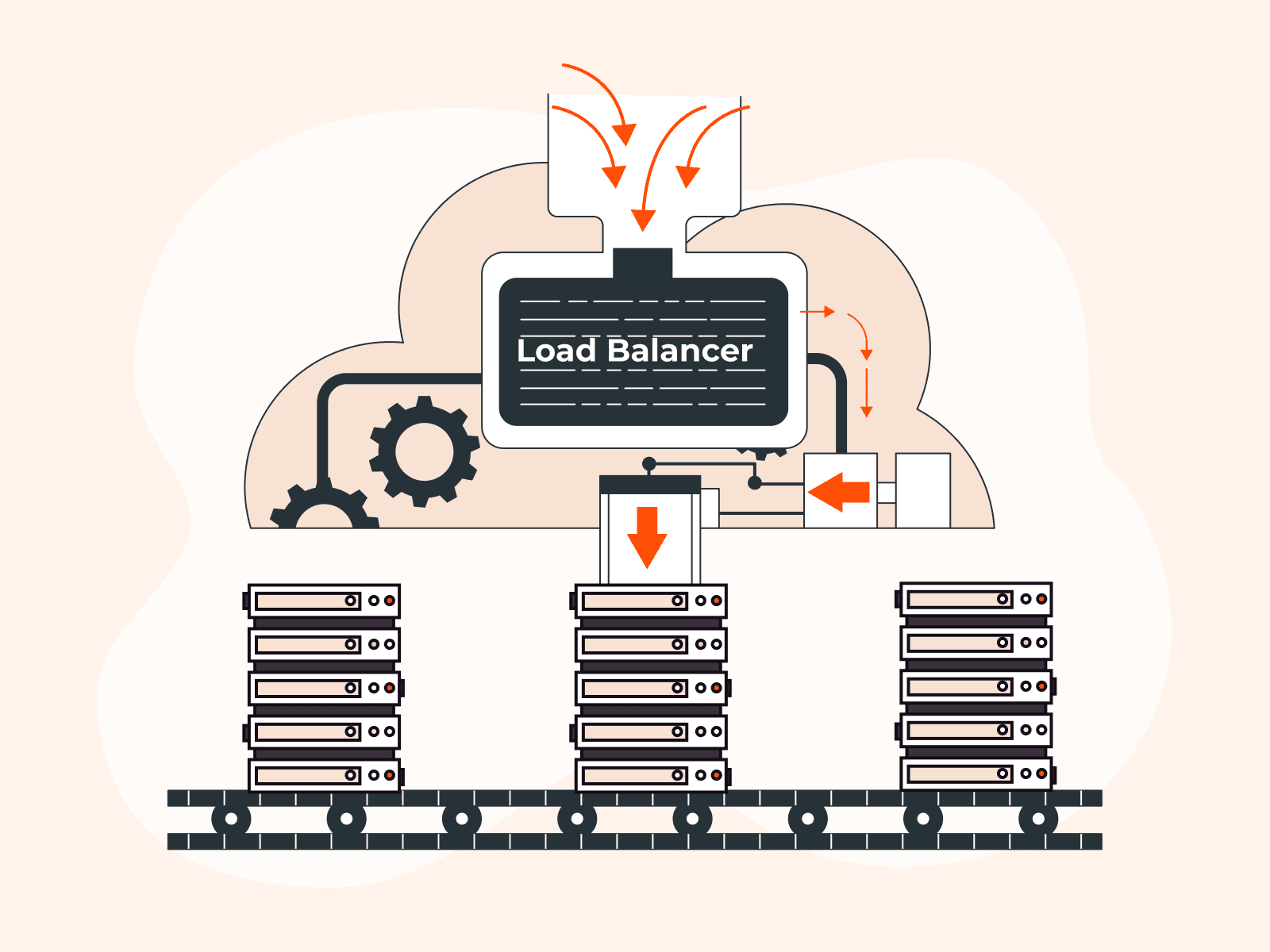
DNS load balancing is a technique that distributes incoming network traffic across multiple servers by manipulating DNS responses to improve the availability and performance of applications or services. It works at the application layer (layer 7) and primarily uses UDP on port 53 for DNS query transport due to its speed and lightweight nature.
The core mechanism works by returning multiple IP addresses in response to a DNS query. When a client requests a domain name, the DNS server provides different IP addresses to different clients based on specific algorithms or rules, directing traffic across available servers.
This approach distributes load without requiring dedicated hardware load balancers.
DNS load balancing includes several distribution methods, each suited to different requirements. Common algorithms include round-robin, weighted round-robin, least connections, and geo-location-based routing.
What is DNS load balancing?
DNS load balancing distributes incoming network traffic across multiple servers by returning different IP addresses in DNS query responses. When a client requests a domain, the DNS server responds with one of several available servers based on algorithms such as round-robin, weighted distribution, or geographic proximity.
This spreads traffic evenly, improves performance, and automatically excludes unhealthy servers from rotation.
How does DNS load balancing work?
DNS load balancing works by returning multiple IP addresses for a domain and distributing traffic using algorithms like round-robin, weighted routing, or geo-based routing. The DNS server can also exclude failed servers from DNS responses to maintain availability.
What are the types of DNS load balancing?
- Round-robin: Rotates IP addresses evenly across requests.
- Weighted round-robin: Directs more traffic to higher-capacity servers.
- Geolocation-based: Routes users to the nearest server based on region.
- Least connections: Sends users to servers with fewer active connections.
- Proximity-based: Uses latency or network distance for routing decisions.
- Failover-based: Automatically removes unhealthy servers from rotation.
What are the benefits of DNS load balancing?
- Improved availability: Traffic automatically avoids failed servers.
- Better performance: Routes users to faster or closer servers.
- Cost efficiency: No expensive hardware load balancers required.
- Simple deployment: Works using standard DNS mechanisms.
- Geographic optimization: Reduces latency by routing to regional servers.
- Flexible control: Traffic can be weighted based on server capacity.
- Scalability: Adding more servers is straightforward.
What are the limitations of DNS load balancing?
- DNS caching: Clients may keep old IPs for minutes or hours.
- No real-time health checks: DNS does not inherently verify server status.
- Coarse distribution: DNS does not balance per-request, only per-lookup.
- Limited routing logic: No advanced load-balancing algorithms.
- Geolocation inaccuracy: Routing uses DNS resolver location, not user location.
- No session persistence: Clients may hit different servers each lookup.
- TTL trade-offs: Short TTL increases server load, long TTL slows failover.
How to implement DNS load balancing
To implement DNS load balancing, configure multiple A or AAAA records in your DNS zone, each pointing to a different server. Choose routing algorithms (round-robin, weighted, geo), set appropriate TTL values, enable health checks, and test routing behavior across global locations.
What are DNS load balancing use cases?
- High-traffic websites needing distributed server load.
- Global content delivery optimizing latency per region.
- Application redundancy with automatic failover.
- Multi-region disaster recovery using geographic routing.
- API endpoint distribution across multiple backend servers.
- Seasonal traffic management with weighted routing.
- Canary deployments sending partial traffic to new infrastructure.
How does DNS load balancing compare to other methods?
DNS load balancing is simpler and cheaper than hardware or application-layer load balancers, but less precise. It cannot make real-time decisions per request, lacks session persistence, and depends heavily on DNS caching behaviors.
Frequently asked questions
What is the difference between DNS load balancing and DNS failover?
Load balancing spreads traffic across servers; failover switches traffic to backups when the main server fails.
Is DNS load balancing secure?
Not by itself. It must be paired with DNSSEC, rate limiting, and DoT/DoH for security.
Can DNS load balancing handle SSL/TLS traffic?
Yes, it routes clients to servers, but encryption happens at the destination server.
Does DNS load balancing work with IPv6?
Yes, using AAAA records.

Related articles






Subscribe to our newsletter
Get the latest industry trends, exclusive insights, and Gcore updates delivered straight to your inbox.