


Spotlight

Case Study Microsoft

How Microsoft scaled global content delivery

Find out how Microsoft used Gcore to strengthen delivery across regions.

case study ProSieben GNTM app TOPSHOT

How ProSieben scaled GNTM's app TOPSHOT

Explore how ProSieben brought real-time AI portraits to GNTM's audience.

case study Higgsfield

How Higgsfield scaled AI video generation

See how Gcore helped Higgsfield scale with GPUs and Managed Kubernetes.

case study Fawkes Games

How Fawkes Games stopped DDoS attacks

See how Gcore protected gaming servers from massive DDoS threats without disrupting gameplay.

We're hiring

Help build the next chapter of the web

We're not just filling seats. We're building a team that will write the next chapter of the internet.

  1. Home
  2. Learning
  3. How to Install Docker Compose on Ubuntu 22.04

How to Install Docker Compose on Ubuntu 22.04

  • May 22, 2023
  • 1 min read
How to Install Docker Compose on Ubuntu 22.04

In this guide, we will walk you through the process of installing Docker Compose on Ubuntu 22.04.

Understanding Docker Compose

Docker Compose is a tool designed to streamline the management of multi-container Docker applications. This utility lets you set up your services using a YAML file, and with a single command, initiate and run these services. Docker Compose simplifies the orchestration of diverse services that constitute an application, treating it as a cohesive entity rather than as individual containers.

Installation of Docker Compose on Ubuntu 22.04

Please note, before proceeding with the installation of Docker Compose, ensure that Docker is already installed on your Ubuntu machine. If not, follow the official Docker installation guide. Once Docker is ready, you can proceed with the Docker Compose installation.

1. Create a directory named “cli-plugins” if it does not exist:

mkdir -p ~/.docker/cli-plugins/

2. Download the current stable release of Docker Compose from the official GitHub repository into the “cli-plugins” directory using the following command:

curl -SL https://github.com/docker/compose/releases/download/v2.18.1/docker-compose-linux-x86_64 -o ~/.docker/cli-plugins/docker-compose

Remember to replace “2.18.1” with the latest version, if necessary.

3. Apply executable permissions to the Docker Compose binary:

chmod +x ~/.docker/cli-plugins/docker-compose

4. Confirm the installation by checking the Docker Compose version:

docker-compose --version

The output should look something like this: Docker Compose version v2.18.1

This message verifies that Docker Compose has been successfully installed on your system.

By following these instructions, you’ll be ready to streamline your multi-container Docker applications using Docker Compose on your Ubuntu 22.04 system.

Conclusion

Looking to deploy Docker with managed Kubernetes? Gcore’s Managed Kubernetes is the perfect solution.

  • Free production-grade cluster management with a 99.9% SLA
  • Free egress traffic
  • Bare Metal support for worker nodes for outstanding latency and performance

Deploy Docker with Gcore

Try Gcore Cloud

Gcore all-in-one platform: cloud, AI, CDN, security, and other infrastructure services.

Related articles

Secure data server connected to cloud and other servers, illustrating data management and security.
What Is a High Availability Server?

Every minute your servers are down, your business is bleeding. For e-commerce sites, healthcare platforms, and revenue-critical applications, an outage isn't just an inconvenience. It's a direct hit to your bottom line, your reputation, and

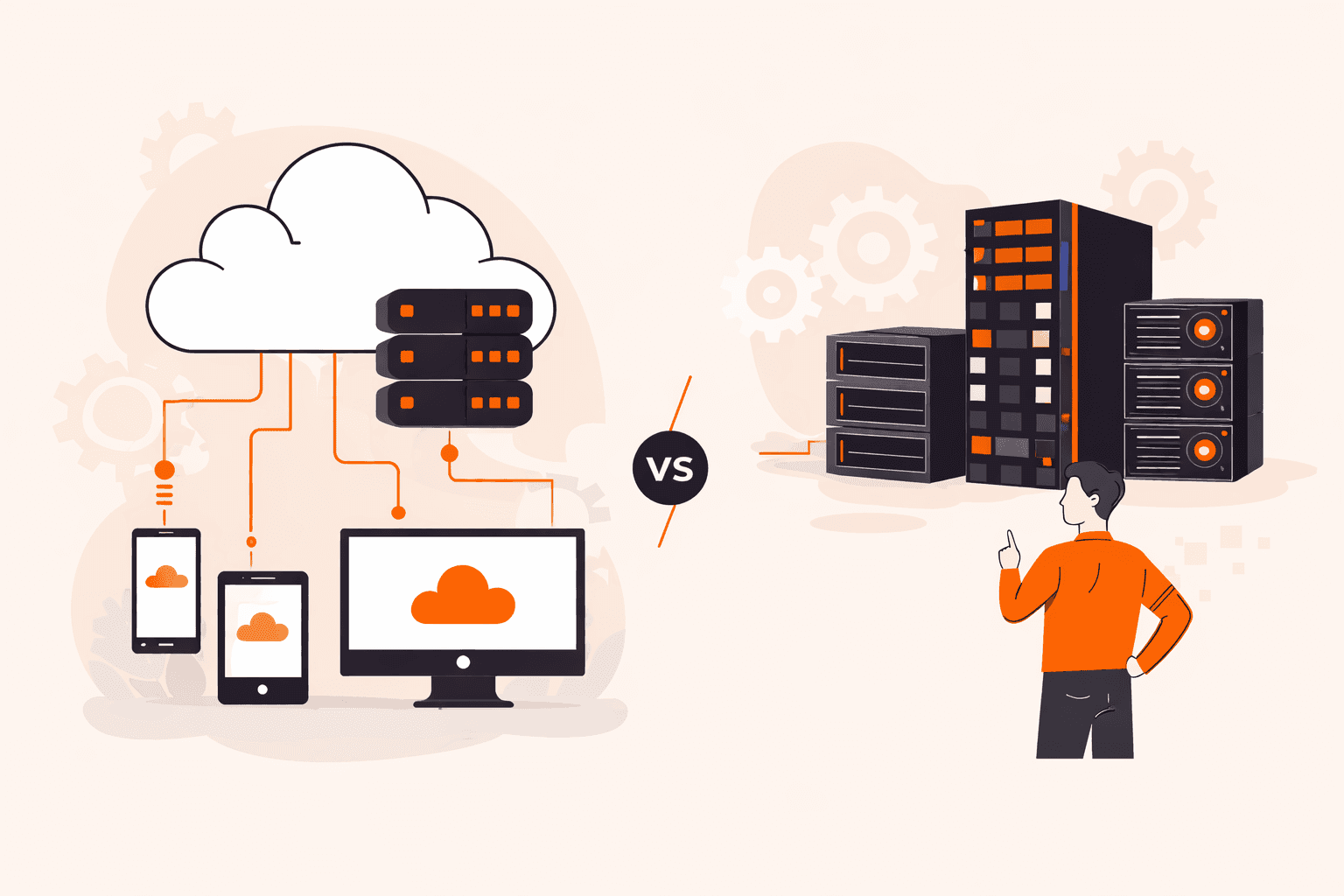
Visual comparison of cloud-based infrastructure connected to devices versus traditional server racks.
Cloud vs Dedicated Server: Which Is Right for You?

Your server choice could be quietly costing you, or quietly holding you back. Pick the wrong infrastructure for your workload and you're either overpaying for idle hardware every month or watching your site buckle under traffic spikes you c

VPS vs Dedicated Server
VPS vs Dedicated Server: Which One Do You Need?

Your site is humming along fine, until it isn't. Traffic spikes, page loads crawl, and your hosting plan buckles under pressure right when it matters most. Choosing between a VPS and a dedicated server isn't just a technical checkbox. It's

Illustration of cloud computing infrastructure, data storage, network security, and digital services.
Multi-Cloud Plan: What It Is and How It Works

Your cloud provider goes down. Applications fail. Customers can't access your services. And because you've built everything around a single vendor, there's nothing you can do but wait. For organizations locked into one cloud platform, this

Padlocked cloud secured with chains, representing digital data protection and cybersecurity measures.
Vendor Lock-In in Cloud Computing: What It Is and How to Avoid It

Imagine discovering that migrating your company's data to a new cloud provider will cost hundreds of thousands of dollars in egress fees alone, before you've even touched the re-engineering work. Or worse, picture being in Synapse Financial

Secure cloud computing infrastructure protecting data, with people, servers, and government institutions.
What Is Sovereign Cloud and Why Does It Matter?

Picture this: a foreign government issues a legal order forcing your cloud provider to hand over sensitive patient records, classified research data, or critical national infrastructure details. You can't stop it. This isn't hypothetical. G

Subscribe to our newsletter

Get the latest industry trends, exclusive insights, and Gcore updates delivered straight to your inbox.