Application Layer DDoS Attacks: Detection, Prevention & Mitigation
- By Gcore
- January 26, 2026
- 8 min read
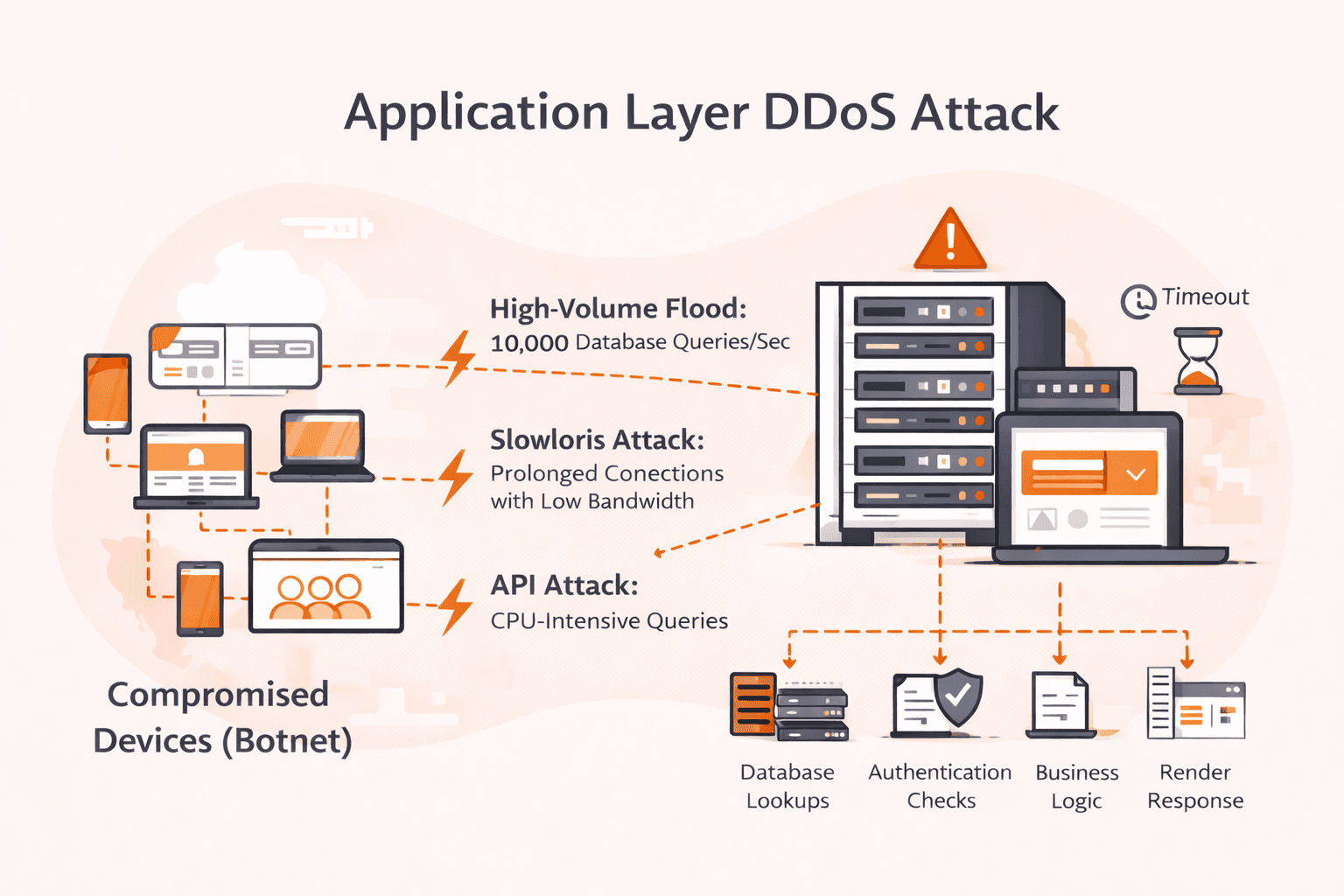
Your network dashboards show green. Bandwidth utilization is at 5%. Yet your application is dying, response times spike to 30 seconds, users get timeout errors, and your on-call engineer can't figure out why. Welcome to application layer DDoS attacks, where attackers weaponize your own application logic against you.
Unlike volumetric attacks that flood your pipes with traffic, Layer 7 attacks target what your application *does*, database queries, authentication checks, search operations, API calls. Some are high-volume floods sending millions of HTTP requests per second. Others are low-and-slow attacks like Slowloris that hold connections open with minimal bandwidth. What unites them: each request looks legitimate, and each request forces your server to do real work.
Traditional DDoS protection service that monitors bandwidth and packet rates misses both varieties. A 2M RPS HTTP flood might only generate 500 Mbps, well under your network capacity while crushing your application servers. A Slowloris attack uses under 1 Mbps but exhausts your connection pool. The common thread isn't traffic volume; it's that the attack exploits the gap between how cheap requests are to send and how expensive they are to process.
Detection requires behavioral analysis. Defense requires understanding which parts of your application are vulnerable to resource exhaustion. This guide breaks down how these attacks work, the warning signs to watch for, and the layered defenses that actually stop them.
What is an application layer DDoS attack?
Application layer DDoS attacks exploit the fundamental asymmetry between client request cost and server processing cost. A client generates an HTTP request with minimal CPU overhead—a few microseconds. But your server must:
- Parse and validate the request
- Authenticate the session (database lookup)
- Execute business logic (more database queries)
- Render the response (template processing, serialization)
- Log the transaction
This creates a 1:1000 cost ratio. An attacker spending 1 CPU-millisecond forces your server to spend 1 CPU-second. A botnet of 500 compromised devices, each sending 20 requests per second to your search endpoint, generates just 50 Kbps of traffic—but triggers 10,000 database queries per second on your backend.
The requests are individually legitimate. Each one could be a real user searching for products. Your WAF sees valid HTTP syntax, your rate limiter sees reasonable per-IP volume, your network monitor sees negligible bandwidth. But your application server is drowning in expensive operations while all your dashboards show green.
How do application layer DDoS attacks work?
Application layer DDoS attacks work by flooding web applications with requests that look legitimate but target resource-intensive processes. Attackers first perform reconnaissance on your application to identify expensive operations like database queries, search functions, authentication systems, or API endpoints that require heavy computation. Once they've mapped these vulnerabilities, they deploy botnets to send high volumes of seemingly normal HTTP/HTTPS requests to those specific targets.
The attack mimics real user behavior. Requests come from varied IP addresses, use authentic user agents, and arrive at realistic intervals to slip past basic rate limiting. An attacker might hit your product search page with thousands of complex queries per minute, or bombard login forms with credential attempts that trigger CAPTCHA validations. Each request forces your server to execute database lookups, run authentication checks, or process API calls. These operations consume CPU and memory.
The result: your servers slow to a crawl trying to handle what appears to be a surge in legitimate traffic, while real users can't get through. Your network dashboards show normal bandwidth, but your application tier is overwhelmed. The traffic blends into normal patterns, making detection far harder than spotting a massive volumetric flood. Your servers slow to a crawl trying to handle what appears to be a surge in legitimate traffic, while real users can't get through. The traffic blends into normal patterns, making detection far harder than spotting a massive volumetric flood.
What are the main types of application layer DDoS attacks?
Application layer DDoS attacks come in several distinct forms, each exploiting different aspects of web applications and protocols. The main types are listed below.
- HTTP GET floods: Attackers send massive volumes of GET requests to specific pages or resources, forcing servers to process each request and retrieve data. These attacks often target resource-intensive pages like search results or product catalogs. Modern variants randomize URLs and user agents to bypass simple rate limiting.
- HTTP POST floods: Unlike GET attacks, POST floods submit data to the server, triggering form processing, database writes, or authentication checks. Each request consumes more CPU and memory than a simple page load. Login pages and contact forms are common targets because they trigger backend validation processes.
- Slowloris attacks: This technique holds connections open by sending partial HTTP requests at extremely slow intervals, tying up server connection pools. It's effective because it requires minimal bandwidth (sometimes less than 1 Mbps) to exhaust available connections. Legitimate users can't connect once the pool is depleted.
- Cache-busting attacks: Attackers append random query strings to URLs, forcing CDNs and caches to treat each request as unique and forward it to origin servers. This bypasses cache protection and hits backend infrastructure directly. The technique is particularly effective against sites relying heavily on caching for performance. A properly configured cdn provider, like Gcore can detect and block these patterns before they reach your origin.
- XML-RPC floods: WordPress sites and similar platforms expose XML-RPC endpoints for remote procedures like pingbacks. Attackers exploit these features to generate amplified server load with minimal requests. A single XML-RPC call can trigger multiple internal operations, making it highly effective for resource exhaustion.
- API abuse attacks: Attackers target REST or GraphQL endpoints with complex queries containing excessive parameters or nested requests. Recommendation engines and search APIs are vulnerable because they trigger database joins and computations. A single malicious query can consume the same resources as hundreds of normal requests. Defending against these requires web application and api protection that understands API-specific attack patterns.
- SSL/TLS exhaustion attacks: Attackers exploit the computational asymmetry of cryptographic handshakes, a client spends minimal resources initiating a connection while the server performs expensive RSA/ECDSA operations. Variants include connection floods (mass new handshakes), renegotiation abuse (forcing re-handshakes on established connections, largely mitigated in TLS 1.3), and HTTPS floods that combine encryption overhead with application-layer request processing.
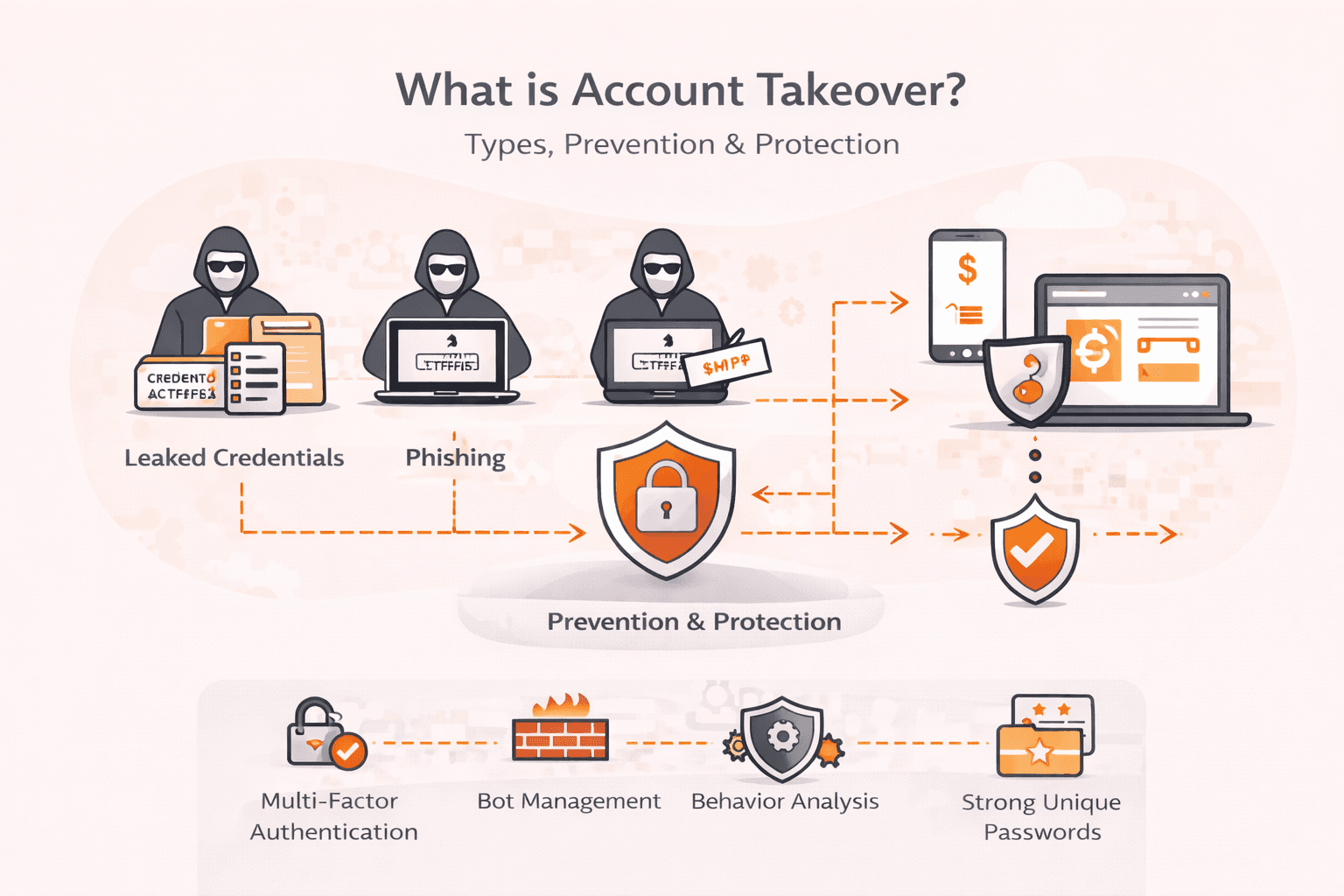
- Credential stuffing and ATO attacks: Attackers use leaked username/password databases to automate login attempts across your authentication endpoints. These attacks blend into legitimate traffic because each request is a valid login attempt, just with stolen credentials. A single compromised credential database can generate millions of authentication requests, overwhelming login infrastructure and potentially succeeding on accounts with reused passwords. Detection requires behavioral analysis of login patterns, device fingerprinting, and integration with threat intelligence feeds tracking credential leaks.
What makes application layer attacks dangerous?
Application layer attacks are dangerous because they mimic legitimate user behavior, making them nearly impossible to distinguish from normal traffic without deep behavioral analysis. Unlike volumetric attacks that flood the network with obvious garbage traffic, these Layer 7 attacks succeed by precisely targeting resource-intensive operations, not by saturating network capacity like database queries, authentication checks, or complex API calls. The cost asymmetry is brutal. An attacker spending pennies on botnet requests can force your servers to burn dollars in CPU cycles and memory for each malicious request.
Here's what makes detection so hard: attackers space out their requests, rotate IP addresses, use valid user agents, and hit different URLs to avoid simple rate limits. Your monitoring tools might show normal network traffic while your application servers are melting down from processing thousands of fake search queries or login attempts. By the time you notice degraded performance for real users, the attack has already succeeded in exhausting your server resources and potentially taking the service offline.
What are the warning signs of an application layer DDoS attack?
Warning signs of an application layer DDoS attack are indicators that show your web application is under targeted assault at Layer 7. The signs are listed below.
- Slow response times: Your application suddenly takes much longer to load pages or process requests, even though network bandwidth looks normal. Users report timeouts or hanging connections when trying to access specific features.
- High CPU usage: Application servers show 80% to 100% CPU usage despite network traffic appearing within normal ranges. This happens because the attack forces servers to process resource-intensive operations like database queries or authentication checks.
- Memory exhaustion: Server memory fills up rapidly as the attack holds connections open or forces the application to cache excessive data. You'll see out-of-memory errors or forced process restarts.
- Uneven traffic patterns: Monitoring tools reveal unusual spikes in requests to specific endpoints (like search forms, login pages, or API calls) while overall site traffic remains steady. The requests often target the most resource-intensive parts of your application.
- Connection pool depletion: Your web server maxes out available connections, leaving legitimate users unable to establish new sessions. This happens even when bandwidth consumption stays low—a hallmark of connection-exhaustion attacks like Slowloris.
- Geographic anomalies: Traffic logs show sudden increases from unexpected regions or a suspicious concentration of requests from data center IP ranges rather than residential addresses. The requests may rotate through different user agents and headers to appear legitimate.
- Cache bypass behavior: Attackers append random query strings to URLs, forcing your CDN or application cache to treat each request as unique. This drives all traffic back to origin servers, multiplying the resource impact.
- Database overload: Your database server shows high query execution times or connection saturation while the web tier appears healthy. Attacks often target search functions or filtering operations that trigger complex SQL queries.
How to defend against application layer DDoS attacks?
You defend against application layer DDoS attacks by combining behavioral analysis, traffic filtering at the network edge, and application-specific protections that distinguish malicious requests from legitimate users.
- Deploy a web application firewall with deep packet inspection. Your WAF needs to analyze HTTP headers, payloads, and request patterns, not just check IP addresses or request volumes (learn more in our guide: What is WAF). Look for tools that inspect SSL/TLS traffic after offloading encryption, since attackers often hide malicious requests in HTTPS connections to avoid detection.
- Implement granular rate limiting at multiple levels. Set endpoint-specific limits based on expected usage. Your login page might allow 5 requests per minute per IP, while your homepage allows 60. Use sliding window algorithms to prevent burst attacks at window boundaries. Layer limits: per-IP, per-session, per-user, and per-API-key. For authenticated APIs, enforce different limits for free vs premium tiers. Configure burst allowance for legitimate traffic spikes while maintaining protection against sustained attacks.
- Use behavioral analysis to establish baseline traffic patterns. Monitor normal request volumes, page access sequences, and response times during typical operations. When traffic deviates (like sudden spikes to resource-intensive endpoints or unusual parameter combinations), your system can flag and block suspicious patterns automatically.
- Offload traffic filtering to edge servers through a CDN. Processing attack traffic at distributed edge locations prevents malicious requests from reaching your origin servers. This approach also reduces latency for legitimate users while absorbing attack traffic closer to its source, since Layer 7 attacks often target specific pages or API endpoints.
- Implement multi-layered challenge-response mechanisms for suspicious traffic. Start with invisible JavaScript challenges that verify browser capabilities without user interaction. For persistent suspicious patterns, escalate to proof-of-work challenges that force clients to perform computational tasks. Reserve traditional CAPTCHAs as a last resort, and consider modern alternatives like Turnstile or hCaptcha that combine behavioral analysis with human verification. CAPTCHA-solving services can bypass traditional challenges within seconds, so never rely on CAPTCHA alone.
- Monitor server resource usage alongside network metrics. Watch CPU usage, memory consumption, database query times, and active connection counts on your application servers. Application layer attacks exhaust processing resources while network metrics stay green, so high CPU usage combined with normal bandwidth often signals a Layer 7 attack.
- Configure connection timeouts and request size limits. Set aggressive timeouts for slow connections to prevent Slowloris-style attacks that hold connections open indefinitely. Limit POST request sizes, URL lengths, and header counts to block attacks that send oversized or malformed requests designed to consume processing resources.
- Patch application vulnerabilities and disable unnecessary features. Attackers often exploit specific endpoints like WordPress XML-RPC or complex search functions. Disable unused APIs, update software regularly, and restrict access to resource-intensive operations like recommendation engines or database-heavy queries that amplify attack impact.
The key thing here is layering multiple defenses. No single technique catches every attack type. Combining edge filtering with application-aware detection gives you the best chance of stopping advanced attacks that mimic legitimate traffic patterns.
Modern application layer protection integrates DDoS mitigation with bot management. Not all automated traffic is malicious, search engine crawlers, monitoring services, and API integrations generate legitimate bot traffic. Effective defense requires classifying traffic into categories: verified good bots (allow), known bad bots (block), suspicious automated traffic (challenge), and human users (pass). This classification uses device fingerprinting, behavioral analysis, and machine learning models trained on billions of requests to distinguish sophisticated bots from humans with over 99% accuracy.
How can Gcore help with application layer DDoS protection?
Gcore protects against application layer DDoS attacks through edge-based Web Application Firewall and behavioral detection systems deployed across 210+ global PoPs. Our platform analyzes HTTP/HTTPS traffic patterns in real time, distinguishing legitimate requests from malicious floods before they reach your origin servers.
Here's what sets this approach apart: deep packet inspection combines with machine learning to catch stealth attacks like Slowloris, cache-busting techniques, and API abuse that slip past traditional volumetric defenses. You'll get protection against HTTP floods, XML-RPC attacks, and authentication exhaustion without sacrificing performance for real users. SSL/TLS offloading lets the system inspect encrypted traffic for anomalies, while rate limiting and geo-blocking controls give you granular defense layers.
The key thing is response speed. When attacks target resource-intensive endpoints like database queries or search functions, the edge network absorbs and filters malicious traffic within milliseconds, keeping your application servers from getting overwhelmed.
Related articles
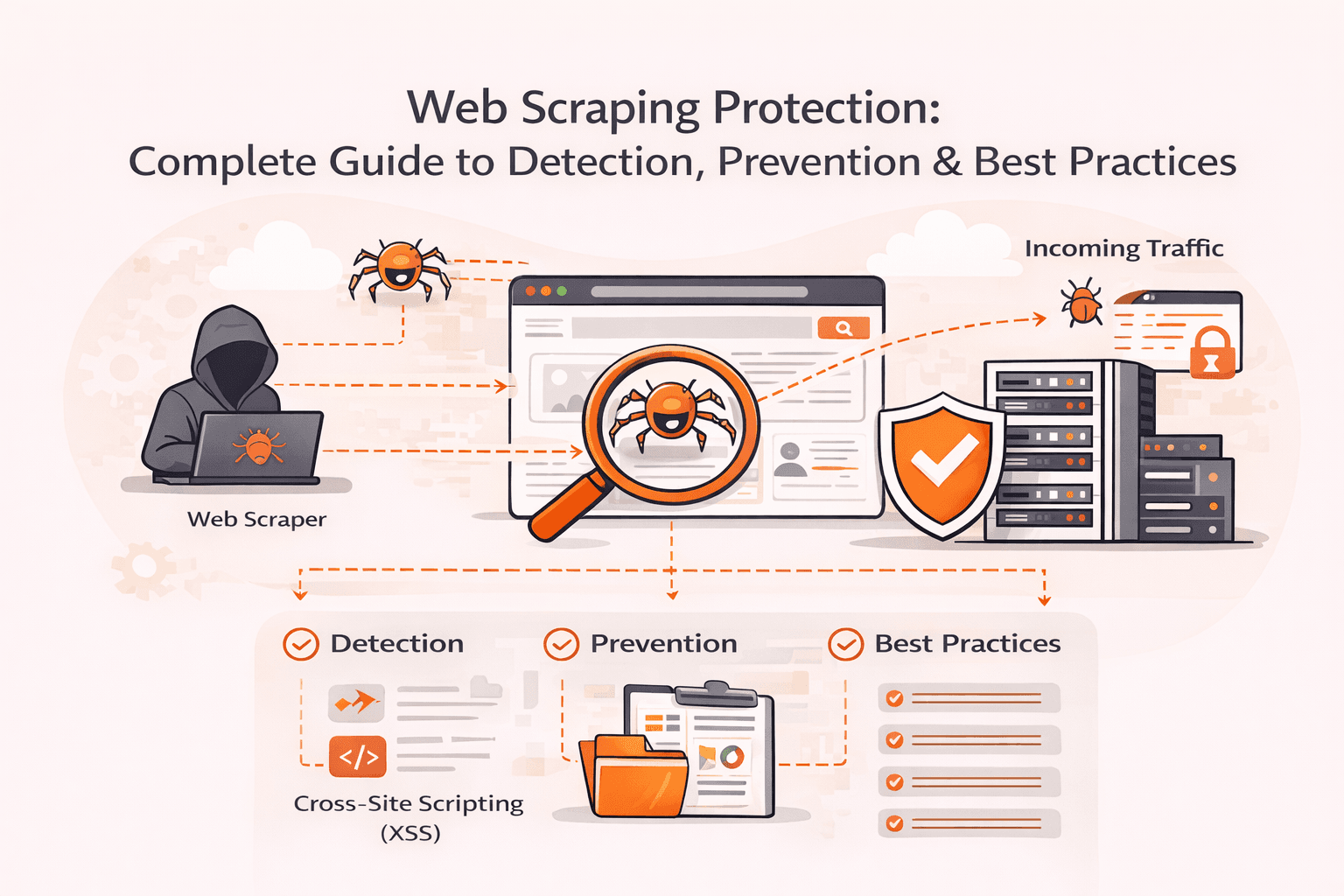
Your server load suddenly spikes by 400%. Legitimate customers can't access your site. Competitors are methodically copying your product descriptions, pricing data, and proprietary content. Modern scraping bots are draining your resources a
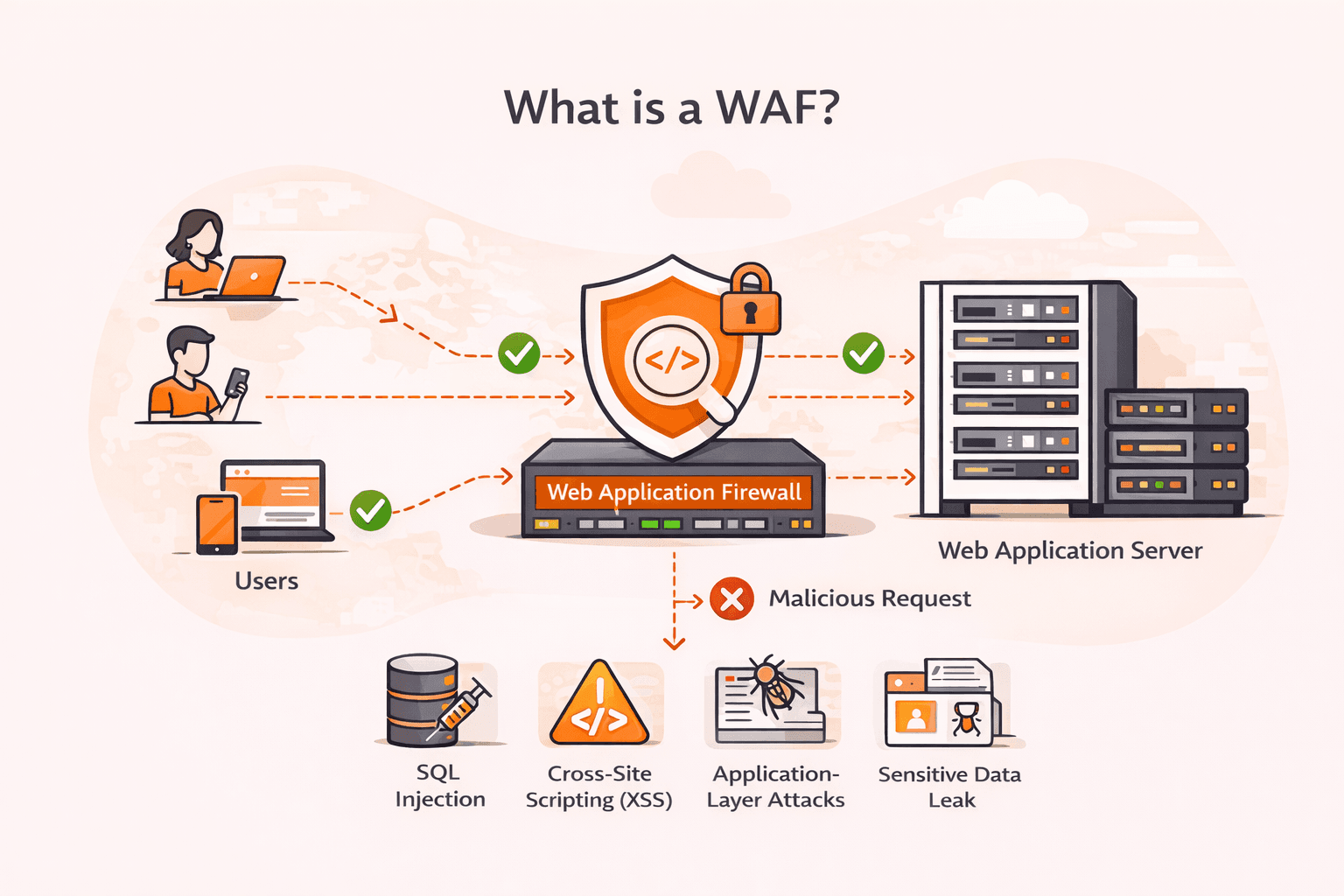
Your web application just processed what looked like a normal login request, but it was actually an SQL injection attack that exposed your entire customer database. Cross-site scripting (XSS), SQL injection, and other application-layer atta
Subscribe to our newsletter
Get the latest industry trends, exclusive insights, and Gcore updates delivered straight to your inbox.