



What Is CDN SSL? How It Works, Benefits, and Setup
- January 2, 2026
- 8 min read
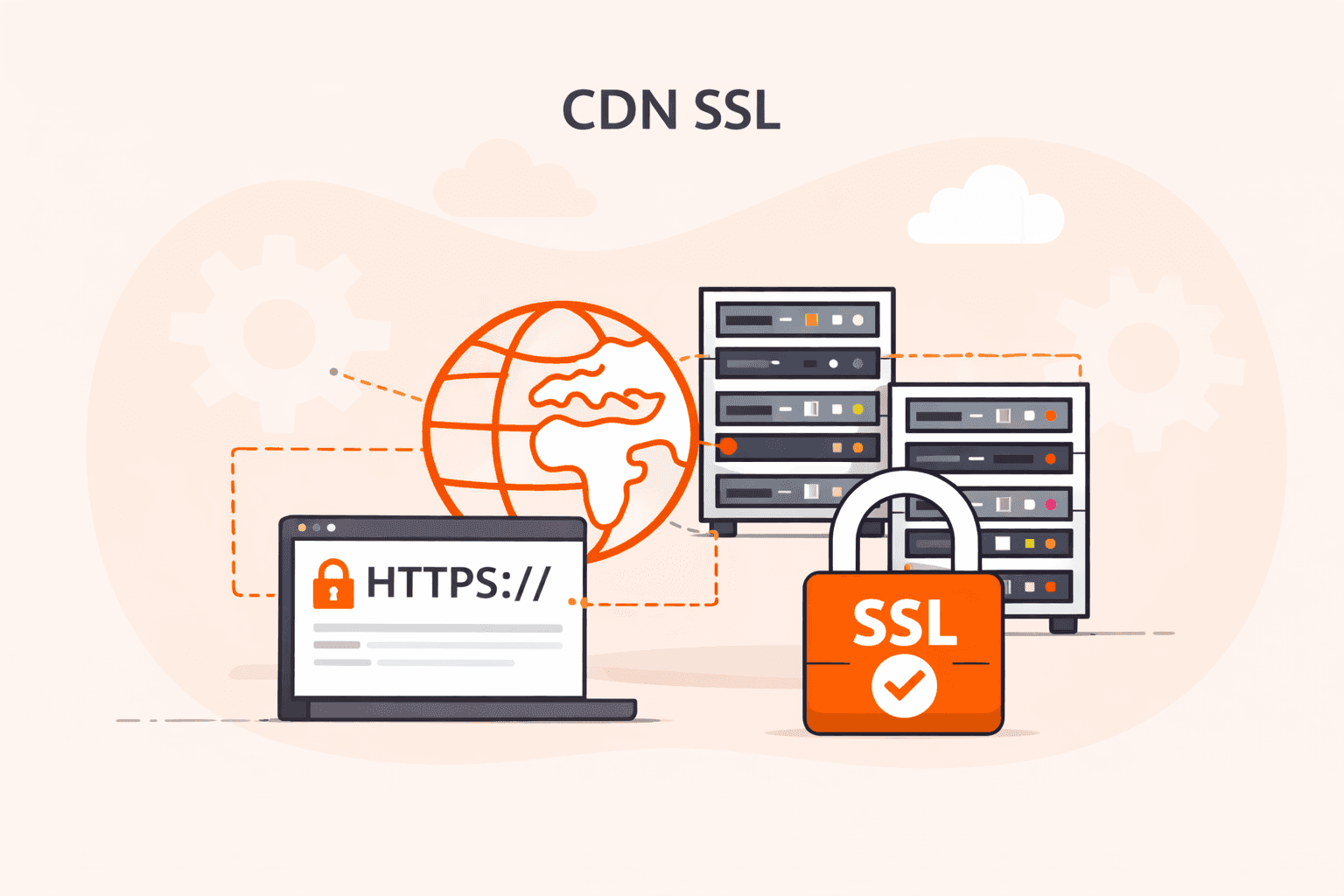
Most websites today use HTTPS. In fact, 68% of the top million websites have made the switch. But if you're using a CDN to speed up content delivery, SSL/TLS encryption works differently than you might expect. Your origin server isn't handling security alone anymore.
Here's what happens: when visitors access your site through a CDN, SSL/TLS certificates protect data at each step. Your CDN provider uses its own certificates for connections between users and edge servers. Then another certificate secures the connection back to your origin. This dual-certificate approach protects against on-path attacks and keeps data safe across the entire delivery chain.
The way CDNs handle SSL certificates is changing fast. Right now, Certificate Authorities (CAs) issue certificates that last months or even a year. But starting in 2026, those lifespans will shrink. By 2029, all public SSL/TLS certificates will max out at just 1.5 months of validity. That means more frequent renewals and tighter security windows.
Why does this matter for your infrastructure? Combining CDN performance with SSL/TLS security isn't just about checking a compliance box. It's about protecting your users while keeping your site fast. The encryption overhead that used to slow things down? Modern CDNs handle it without the performance hit you'd see on a single origin server.
In this guide, you will learn exactly how SSL works with a CDN, what performance benefits you can expect, and how to keep your content both secure and fast as certificate requirements get stricter.
What is CDN SSL?
CDN SSL is the integration of SSL/TLS encryption with Content Delivery Networks to secure data transmitted between edge servers and end users. When HTTPS is enabled, the CDN terminates the TLS connection at the nearest edge location, ensuring encrypted communication from the user’s browser to the CDN. This protects your data from on-path attacks and unauthorized access.
SSL/TLS certificates, issued by trusted CAs, validate domain ownership and enable encrypted communication. CDNs manage certificates across their global network, applying their own certificates for edge-to-user traffic and maintaining a separate secure connection back to the origin.
How does SSL work with a CDN?
When a user requests content, the CDN establishes a secure TLS connection at the closest edge server. The process works as follows:
- TLS termination at the edge – The CDN edge node completes the TLS handshake with the user, verifying server identity and exchanging encryption keys.
- Decryption and content retrieval – The edge server decrypts the request, serves the content from cache when possible, or securely requests it from the origin.
- Secure origin fetch – If the file is not cached, the CDN opens or reuses an encrypted, persistent TLS connection to the origin.
- Re-encryption and delivery – The CDN re-encrypts the response and sends it back to the end user.
Optimized TLS configurations, session resumption, and geographic proximity allow modern CDNs to complete TLS handshakes quickly. TLS 1.3 further reduces handshake latency, improving initial connection times.
What are the performance benefits of using SSL with a CDN?
The performance benefits of using SSL with a CDN refer to the improvements in speed, efficiency, and user experience that organizations achieve when combining encryption protocols with content delivery networks. The performance benefits of using SSL with a CDN are listed below.
- Reduced latency: CDNs terminate SSL connections at edge servers close to users, cutting the distance encrypted data travels. This proximity can reduce connection setup time by 40-60% compared to routing all traffic through origin servers.
- Faster handshakes: Edge servers handle the SSL/TLS handshake process locally, eliminating multiple round trips to distant origin servers. The handshake completes in milliseconds instead of several seconds. This speeds up initial page loads.
- Session reuse: CDNs cache SSL session data at edge locations, allowing returning visitors to skip the full handshake process. This reuse saves processing time and bandwidth on repeat connections.
- Protocol optimization: Modern CDNs support HTTP/2 and HTTP/3 protocols that work better with SSL/TLS encryption. These protocols enable multiplexing and compression, improving page load speeds by 20-30%.
- Certificate management efficiency: CDNs automate SSL certificate deployment and renewal across all edge servers simultaneously. This automation prevents certificate expiration issues that could cause site downtime or security warnings.
- Reduced origin load: By handling SSL encryption and decryption at the edge, CDNs remove this processing burden from origin servers. Origin servers can then dedicate resources to application logic and database queries instead of cryptographic operations.
- Connection pooling: CDNs maintain persistent SSL connections between edge servers and origins, reusing these connections for multiple user requests. This pooling eliminates repeated handshake overhead and improves response times.
What are the security advantages of CDN SSL?
The security advantages of CDN SSL refer to the protective benefits organizations gain when combining SSL/TLS encryption with content delivery networks to secure data transmission between servers and end users. The security advantages of CDN SSL are listed below.
- Data encryption: CDN SSL encrypts all data traveling between your origin server and end users, making it unreadable to anyone intercepting the connection. This encryption protects sensitive information like login credentials, payment details, and personal data from exposure.
- On-path attack prevention: SSL/TLS certificates prevent attackers from intercepting and modifying data as it travels across the network. Without encryption, malicious actors can insert harmful code or steal information during transmission.
- Authentication verification: SSL certificates confirm that users connect to your legitimate website, not an imposter site. Certificate Authorities validate domain ownership before issuing certificates, creating a trust chain that browsers can verify.
- DDoS mitigation: CDNs with SSL absorb and filter distributed denial-of-service attacks before they reach your origin server. The distributed network architecture spreads attack traffic across multiple points of presence, maintaining service availability. Learn more about our DDoS protection service.
- Compliance support: Many regulations require encrypted connections for handling sensitive data, including GDPR, PCI DSS, and HIPAA. CDN SSL helps meet these requirements by securing data in transit across the entire delivery network.
- Certificate management: CDN providers handle certificate renewal, installation, and monitoring across their global infrastructure. This centralized management reduces the risk of expired certificates causing security warnings or service disruptions.
- Protection at scale: SSL encryption extends to all edge locations in the CDN network, not just your origin server. This distributed security model protects users regardless of which geographic location serves their content.
How to configure SSL certificates on a CDN
Configuring SSL certificates on a CDN involves three main steps: obtaining a certificate from a Certificate Authority, uploading it to your CDN provider's dashboard, and applying it to your domain or distribution.
- First, obtain an SSL/TLS certificate from a trusted Certificate Authority that matches your domain name. You can choose Domain Validation (DV) certificates for basic security or Extended Validation (EV) certificates for higher trust levels.
- Next, access your CDN provider's control panel and find the SSL certificate management section. Most providers offer a dedicated interface where you can upload custom certificates or select automated options.
- Upload your certificate files. You'll need the primary certificate, private key, and any intermediate certificates from your CA. Keep your private key secure and never share it publicly.
- Assign the SSL certificate to your specific CDN distribution or domain configuration. You'll typically select which domains or subdomains should use the certificate from a dropdown menu or configuration list.
- Verify the certificate installation by checking the SSL status in your CDN dashboard. Test your website URL with HTTPS. The connection should show as secure without browser warnings.
- Configure your certificate renewal settings. Certificates expire regularly, so set up automated renewal notifications at least 30 days before expiration to prevent service interruptions. This is especially important since certificate lifespans will start reducing in.
Don't forget to update your DNS records to point to your CDN's secure endpoints. Redirect all HTTP traffic to HTTPS for complete security coverage.
What are the challenges of implementing SSL without a CDN?
The challenges of implementing SSL without a CDN refer to the technical, operational, and financial obstacles organizations face when managing SSL/TLS encryption through origin servers alone. The challenges of implementing SSL without a CDN are listed below.
- Certificate management complexity: Managing SSL certificates across multiple servers requires manual renewal, installation, and monitoring. By 2026, certificate lifespans will start being reduced, which increases the administrative burden significantly.
- Performance overhead: Origin servers must handle all SSL/TLS handshakes and encryption processes directly. This consumes CPU resources. The processing adds latency to each connection, slowing page load times by 100-200ms per request.
- Single point of failure: Without distributed infrastructure, your origin server becomes the sole target for all traffic and attacks. If it goes down or gets overwhelmed, your entire site becomes unavailable.
- Geographic latency issues: Users far from your origin server experience longer SSL handshake times due to physical distance. A user in Asia connecting to a US-based server might face 300-500ms delays just for the initial secure connection.
- DDoS vulnerability: Origin servers exposed directly to the internet face higher risk of distributed denial-of-service attacks. SSL/TLS handshakes are resource-intensive, which makes your server an easy target for exhaustion attacks.
- Scalability limitations: Adding capacity requires provisioning new servers, obtaining certificates for each, and configuring load balancing. This process takes days or weeks compared to instant CDN scaling.
- Higher bandwidth costs: All encrypted traffic flows through your origin server, consuming more bandwidth than cached delivery. Organizations typically pay 3-5 times more for origin bandwidth than CDN traffic.
What SSL certificate options are available for CDNs?
SSL certificate options available for CDNs include shared certificates, custom certificates, and wildcard certificates. Each serves different security and deployment needs.
Shared certificates work for basic implementations where multiple domains share a single certificate from the CDN provider. Custom certificates give you full control over certificate management and branding. They're ideal for enterprise deployments requiring specific Certificate Authority (CA) relationships.
Wildcard certificates secure a primary domain and all its subdomains with one certificate. This simplifies management for complex infrastructures.
Choose shared certificates when you need quick deployment with minimal configuration. They're cost-effective but display the CDN provider's certificate details rather than your own.
Select custom certificates when you require specific CA relationships, extended validation (EV) certificates, or need to maintain consistent branding across your security chain.
Pick wildcard certificates when managing multiple subdomains under a single domain. They reduce certificate management overhead and renewal complexity.
Your selection depends on three factors: security requirements, budget, and infrastructure complexity. Most CDN deployments start with shared certificates and move to custom options as security needs grow.
How does CDN SSL affect SEO and website performance?
HTTPS is a confirmed ranking signal. Using SSL via a CDN improves both SEO and performance:
- HTTPS as a ranking factor: search engines prioritize secure websites. HTTPS avoids browser warnings that decrease user engagement.
- Faster page loads: TLS termination at the edge reduces latency. HTTP/2 and HTTP/3 provide additional performance gains through multiplexing and improved connection handling.
- Improved user trust: secure connection indicators (e.g., the padlock icon) reduce bounce rates and enhance behavioral metrics that influence rankings.
How can Gcore help with CDN SSL implementation?
Our CDN service provides automated, globally distributed SSL/TLS protection with:
- Free DV certificates with automatic provisioning and renewal.
- Support for custom and wildcard certificates.
- 210+ global PoPs for low-latency TLS termination.
- Full TLS 1.3 support for faster handshakes.
- Automated deployment across the entire network.
Gcore delivers global performance with an average latency of ~30 ms, ensuring encryption does not slow down your applications.
Frequently asked questions
Is CDN SSL difficult to implement?
No, CDN SSL implementation is straightforward. Most deployments take 10-30 minutes through your provider's dashboard using automated certificate provisioning. Modern CDNs handle certificate installation, renewal, and configuration automatically. You'll only need to make basic DNS updates on your end.
How much does CDN SSL cost?
CDN SSL costs range from free basic certificates to over $150 monthly for enterprise solutions. Enterprise plans typically include advanced features like custom certificates, automated renewal, and dedicated support.
Gcore offers free standard SSL/TLS certificates. Advanced features (custom certificates, dedicated support) may incur additional costs.
Can CDN SSL integrate with existing systems?
Yes, CDN SSL integrates seamlessly with your existing systems. It works through standard certificate management workflows and API connections that plug into your current infrastructure.
Most CDN providers support custom SSL certificates from your existing Certificate Authority. Alternatively, they can provision certificates automatically through protocols like Automated Certificate Management Environment (ACME). This means you don't need to overhaul your security setup to add CDN SSL protection.
What are common mistakes with CDN SSL?
- Certificate mismatches. Using different certificates between your origin and CDN breaks the trust chain. Browsers won't load your content.
- Expired certificates. Set up automated renewal. Manual processes fail, and expired certificates take your site offline instantly.
- Mixed content warnings. Loading HTTP resources on HTTPS pages triggers browser security warnings. Users see these and often leave.
- Incomplete certificate chains. If you don't install the full chain (root and intermediate certificates), some browsers will reject your site even though others accept it.
- Self-signed certificates. These work for testing, but browsers reject them in production. You'll lose visitors who see the security error.
- Missing HTTPS redirects. Without automatic redirects from HTTP to HTTPS, users can access your site over insecure connections. This leaves their data vulnerable.
How long does it take to set up CDN SSL?
Automated SSL activation typically takes 5–15 minutes.
Custom certificates may take 1–2 hours depending on CA validation.

Related articles





Subscribe to our newsletter
Get the latest industry trends, exclusive insights, and Gcore updates delivered straight to your inbox.