

Video and live streaming statistics
Statistics data is collected only when you use the standard player. The Reports page shows information about videos and live streams: viewers, their browsers and operating systems, geography, popular videos (only for the Video page), as well as URLs of pages that host a player with your video. The data is updated every five minutes and stored for one year. You can check reports for all videos and live streams or only for a single one. To see overall statistics: 1. In the Gcore Customer Portal, navigate to Streaming > Reports. 2. Choose the relevant subsection: Built-in player: VOD or Built-in player: Live. 2. Select the preferred interval (24 hours, 48 hours, week, or month) and dates. 3. Choose one or more parameters: Browsers, Geography, Hosts, OS, or Viewers.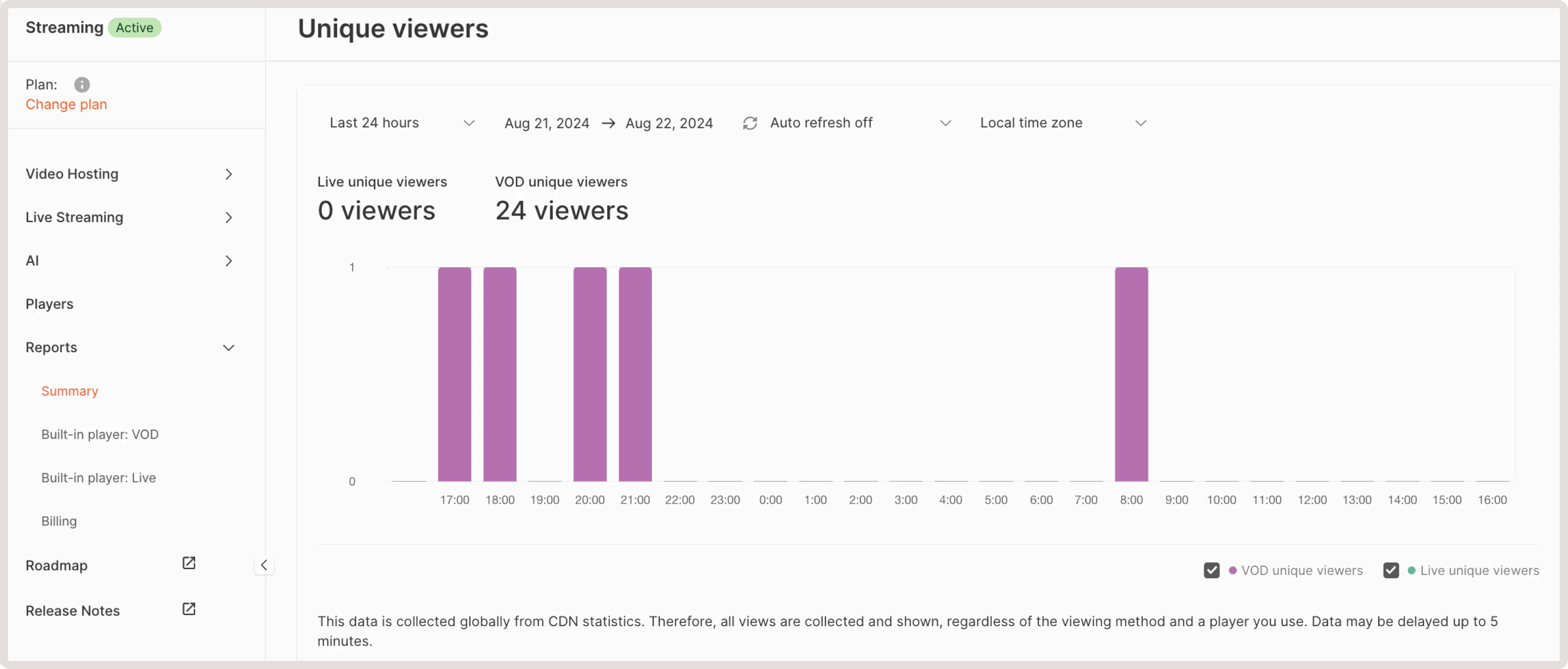
Parameters overview
-
Viewers : The number of viewers. We collect the following information about their behavior:
- Uploads : Shows how many times users opened a video or live stream page.
- Starts : Indicates how many times users clicked the Play button.
- Viewers : Specifies how many viewers have watched a video or a live stream for at least 5 seconds.
- Unique viewers : Represents the number of unique viewers (we distinguish viewers using several parameters at once: an IP address, screen size, browser, and cookie).
- Popular videos (available only for videos): A list of the most viewed videos. We consider only views that are longer than five seconds.
- Browsers : Statistics on browsers that your viewers use to watch your video/live stream.
- OS : Statistics on users’ operating systems.
-
Hosts : Static data on the URL of requested pages. We consider only views that are longer than five seconds. The
"streaming.gcore.com". URL means a video was watched from a personal account. - Geography : A world map that highlights countries where your viewers watch videos/live streams for at least 5 seconds. A user’s IP address determines a country.