

Terraform is a declarative command-line utility used to manage infrastructure as code. The desired state of resources is defined in a configuration file, and Terraform sends the necessary API requests to create or update them.Documentation Index
Fetch the complete documentation index at: https://gcore.com/docs/llms.txt
Use this file to discover all available pages before exploring further.
Provider versions
The Gcore Terraform provider is published under theG-Core/gcore namespace on the Terraform Registry. Two major versions are currently available:
| v0 | v2 | |
|---|---|---|
| Status | Stable | Alpha |
| Authentication | permanent_api_token | api_key |
| Terraform CLI | >= 0.13.0 | >= 1.11 |
| Code maintenance | Hand-written | Auto-generated from OpenAPI spec |
| API sync | Manual updates | Stays in sync with the API automatically |
| Recommended for | Existing projects | New projects |
G-Core/gcore), so pin the version explicitly to control which one Terraform uses.
v0 is the production-ready provider for existing projects.
v2 is a ground-up rewrite of the provider, auto-generated from the Gcore OpenAPI specification. It stays in sync with the API automatically, which means new resources and attributes become available faster than in v0. v2 is the recommended choice for new projects.
Install Terraform
Follow these steps to install Terraform and configure the Gcore provider.- Download a Terraform package suitable for the OS from the official Terraform website.
- Create a new folder and name it the same as the downloaded package.
- Unzip the Terraform archive in the new folder.
- Add the directory of the unzipped Terraform archive to the PATH environment variable.
- Create a configuration file in the Terraform folder and name it main.tf.
- Generate a permanent API token if one doesn’t exist yet.
251$d33611b35f26d8 with the permanent API token. Check the Terraform Registry for the latest v0 release and update the version accordingly.
NotePin the provider to an exact version or use a pessimistic constraint (
~> 0.34) to stay on v0. v0 and v2 use different resource schemas and authentication methods and are not interchangeable.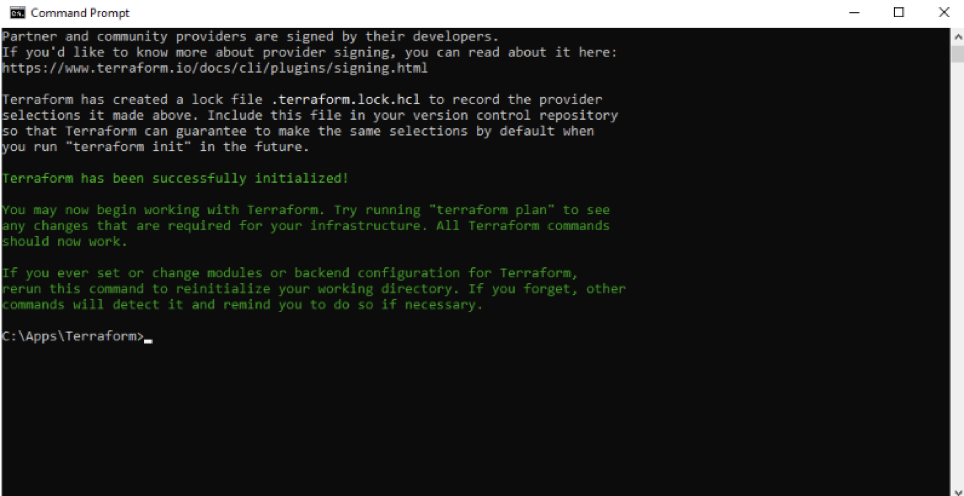
Configure provider v2
Provider v2 uses a different authentication method (api_key) and a redesigned provider schema that is incompatible with v0 configurations. Almost all v2 resources support terraform import, making it possible to bring existing Gcore infrastructure under Terraform management without recreating it.
Infov2 is in active development. Pin the version to a specific alpha release to control when updates are applied. Bug reports and feedback are welcome on the GitHub issues page.