Billing rules
General Gcore billing rules, including billing cycles, invoices, payments, committed volumes, and overage handling, are covered in the billing overview. Billing dates, payment processing, and suspension rules follow the same account-level rules. Usage details are available in billing reports.Tariff plans
Gcore currently offers one self-service PAYG (Pay-As-You-Go) tariff plan for Streaming. It can start in a trial state and then move to active paid usage.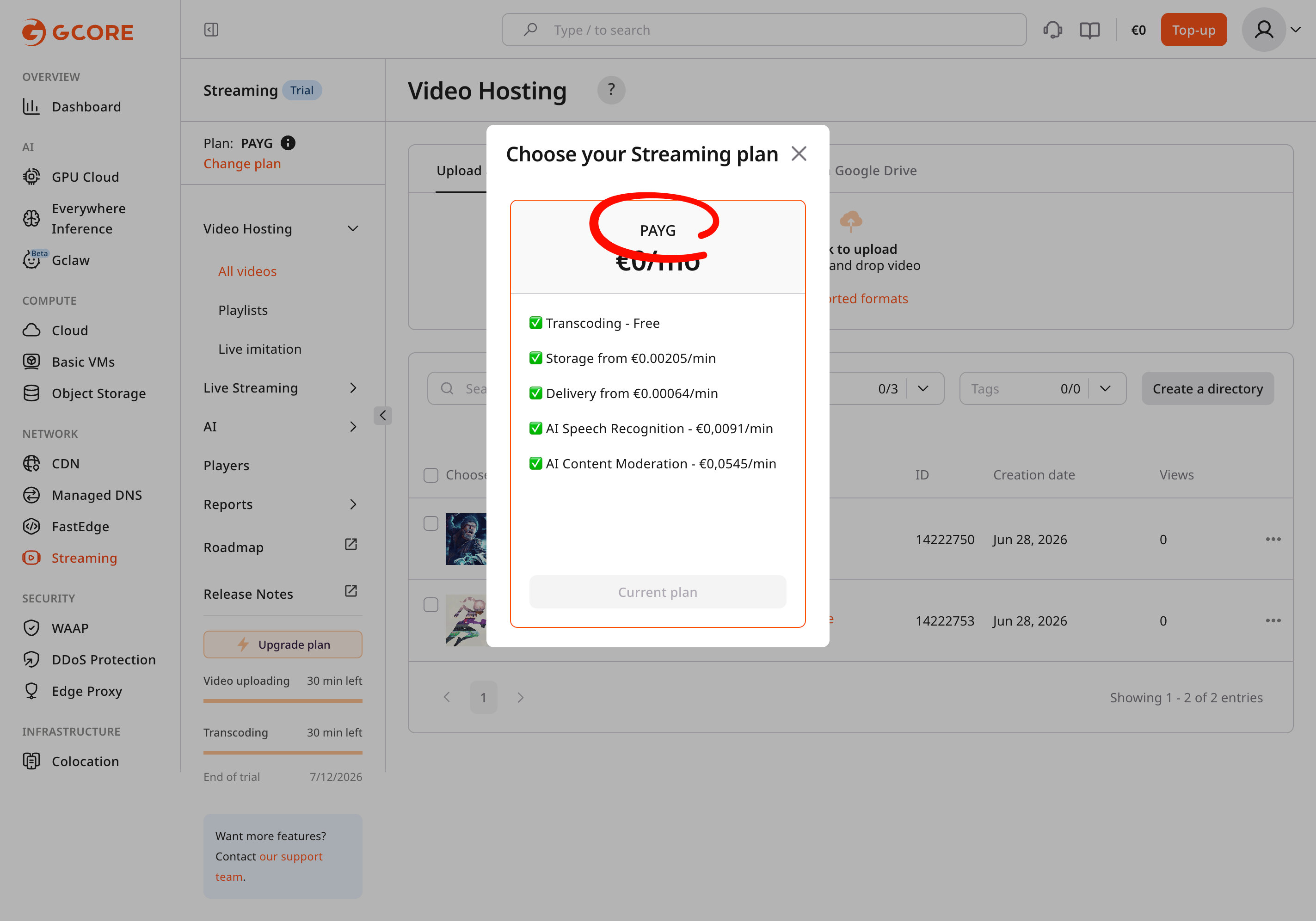
The screenshot illustrates the Gcore Customer Portal interface and does not define applicable prices.
Trial state
The trial state lasts 14 days and includes 30 minutes of video processing for evaluation. It is available once per account and cannot be restarted after it has been used.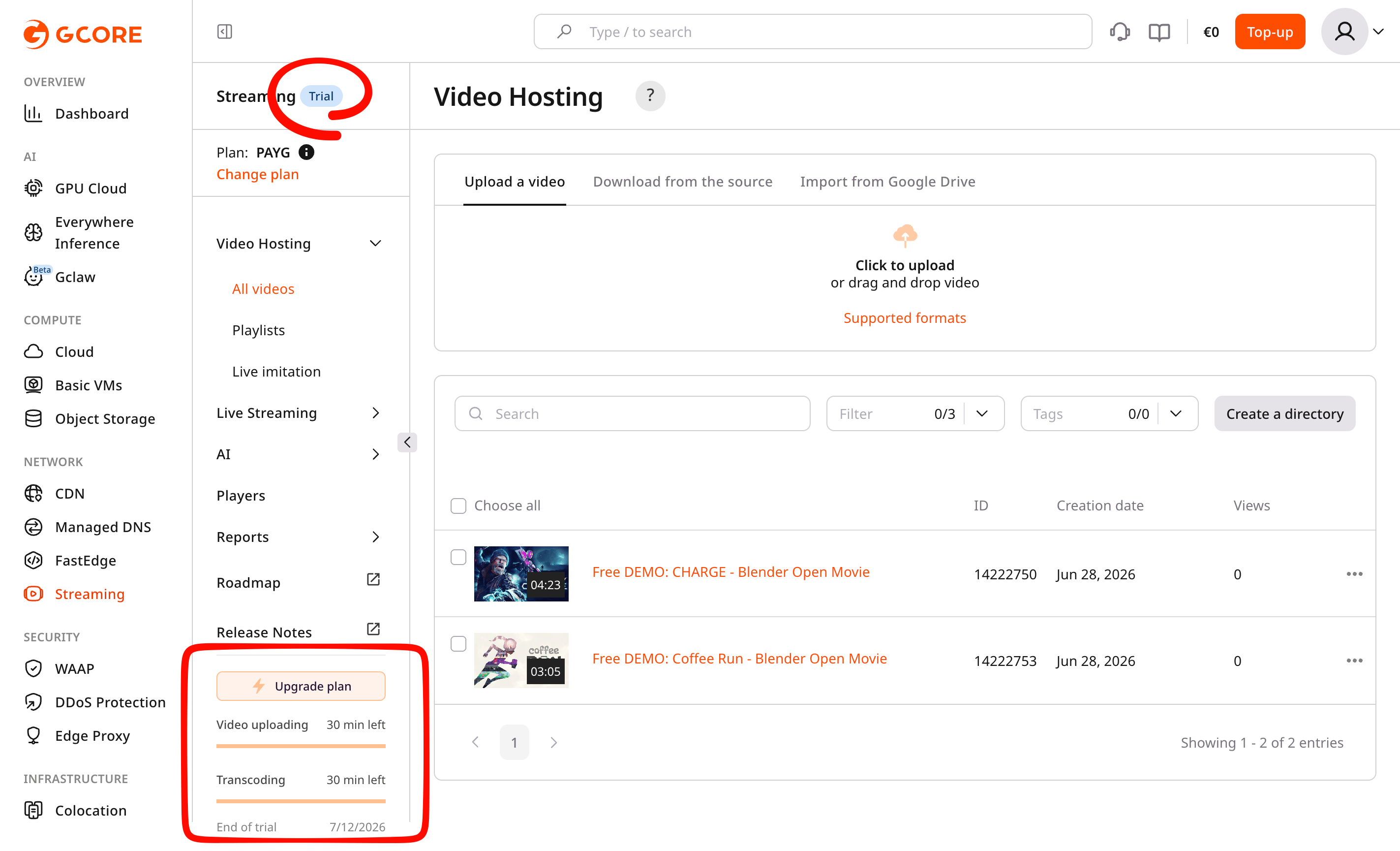
For enterprise customers, trial terms can be extended by duration or available quota. Contact the assigned account manager to request the required extension.
Limits and committed volumes
Custom tariff plans can include a committed monthly volume provided at a committed price. If actual usage exceeds this committed volume, additional consumption is billed according to the overlimit rates. The standard PAYG plan has no committed volume. The trial and active states have different usage limits. The following limits apply to trial and active PAYG accounts:| Resource | Trial PAYG | Active PAYG |
|---|---|---|
| Video storage | 30 minutes available. Uploading videos decreases the available volume, while deleting videos restores it up to the 30-minute trial limit. | No hard limit. A soft limit of 100,000 minutes (~5 TB) applies by default and can be increased by contacting support or an account manager. |
| Transcoding | 30 minutes available. VOD and live stream transcoding consume this volume permanently; completed transcodes do not return minutes to the trial quota. | No limit. |
| Delivery | 1,000 minutes. | No limit. |
| AI services | 5,000 minutes. | No limit. |
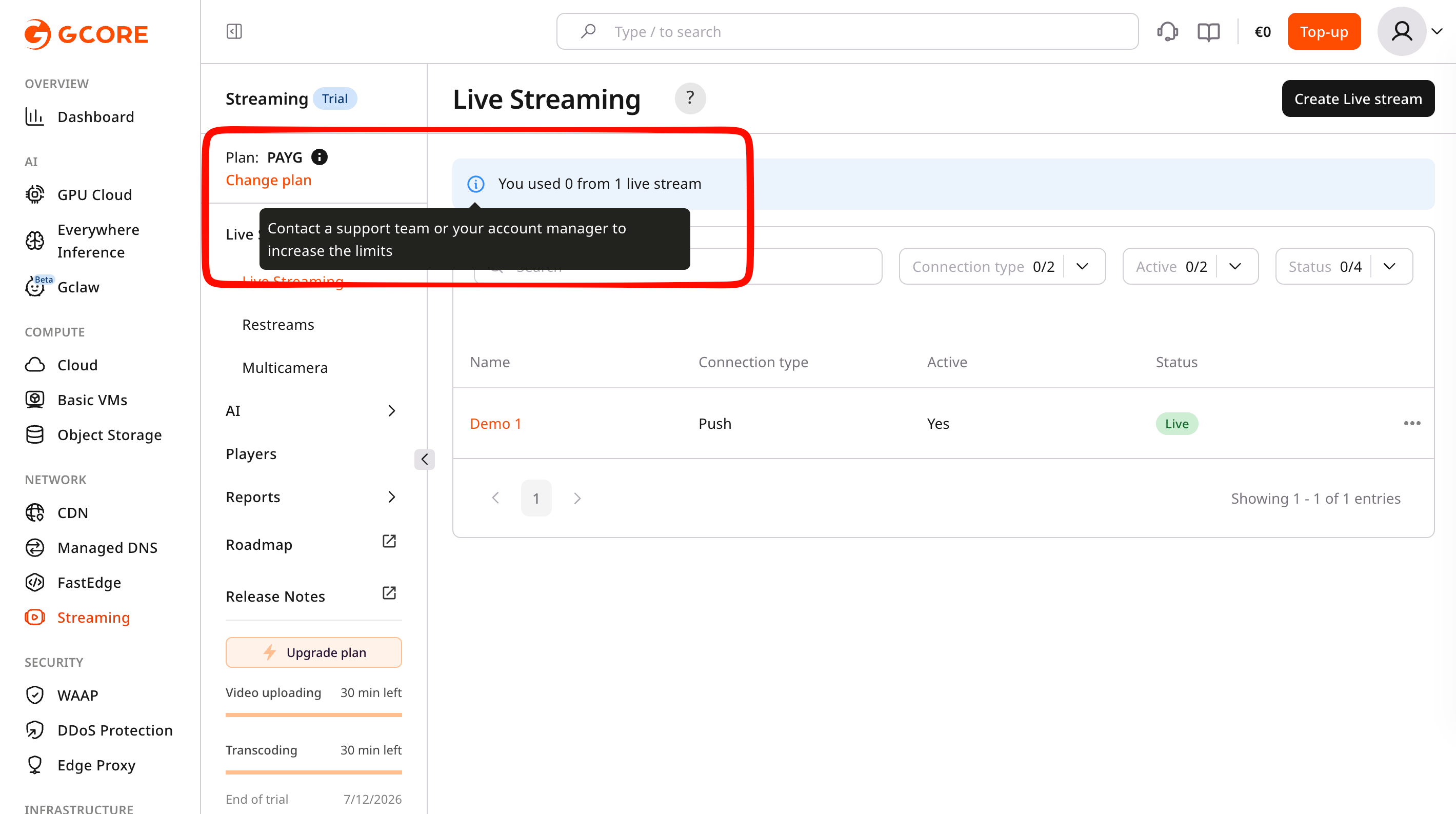
| Live streams | One active live stream during the trial. The Customer Portal shows an alert when the account reaches this limit. | No hard limit. A soft limit of three active live streams at one time applies by default and can be increased by contacting support or an account manager. |
Tariff plan and terms
Streaming prices depend on the selected tariff and account terms. By default, all tariffs include core service components:- Transcoding — processing of VOD assets and live streams into adaptive multi-bitrate formats
- Storage — unified storage for video assets and live stream recordings, including metadata and previews
- Delivery — video delivery to end users via the CDN
- AI services — AI-powered video processing such as speech recognition and content moderation