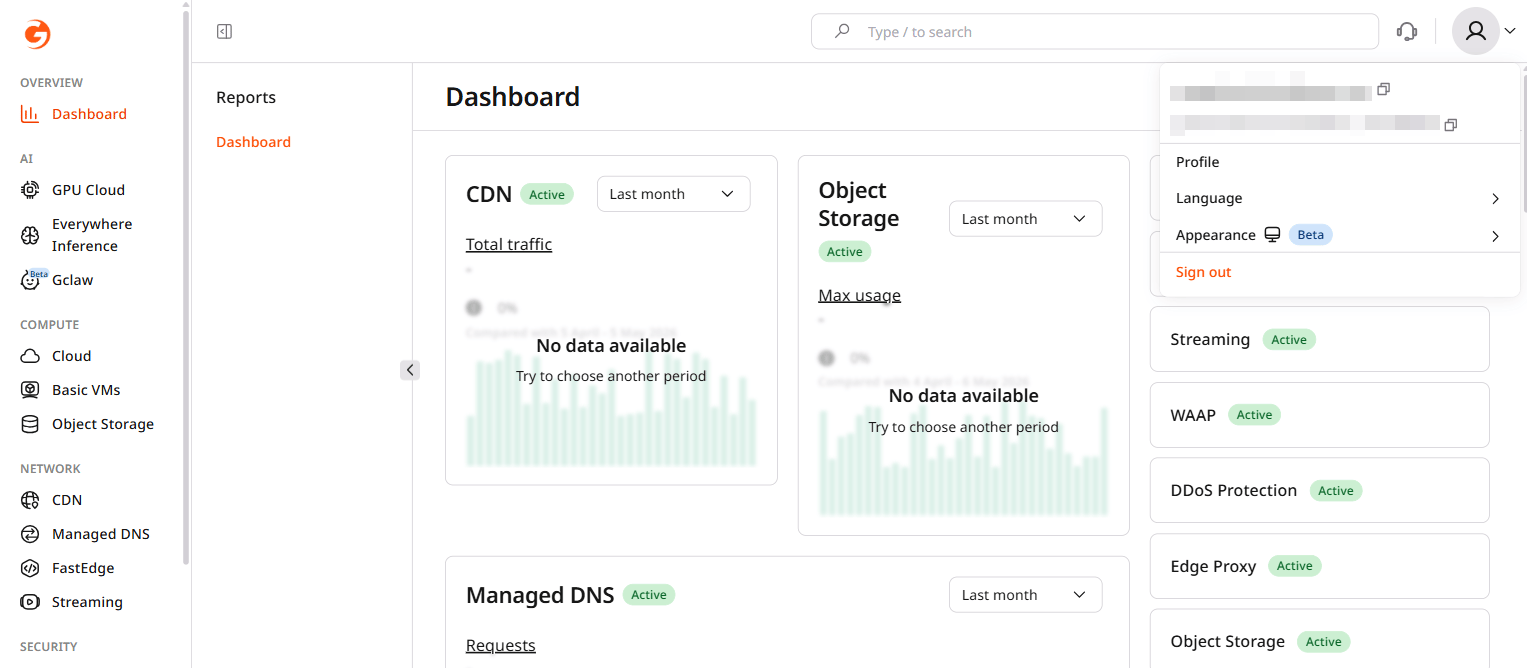
- In the Customer Portal, click the avatar in the top-right corner and select Profile.
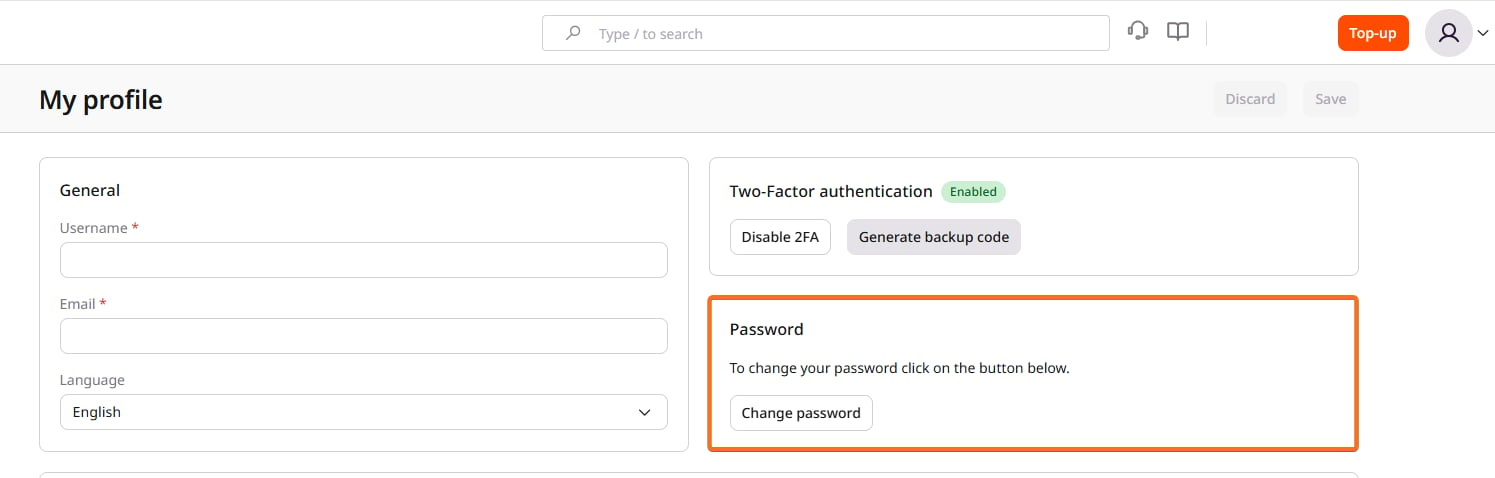
- In the Password section, click Change password.
- Enter the current password in Verify current password, then enter the new password in New password and Confirm new password.
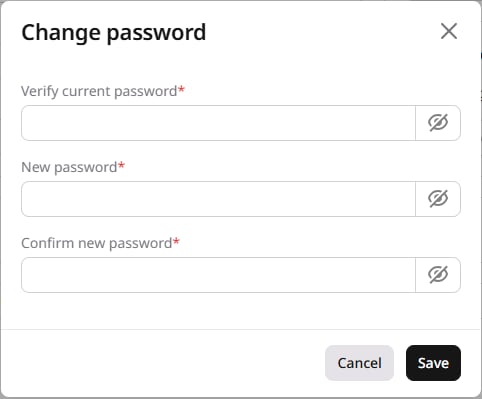
- Click Save.
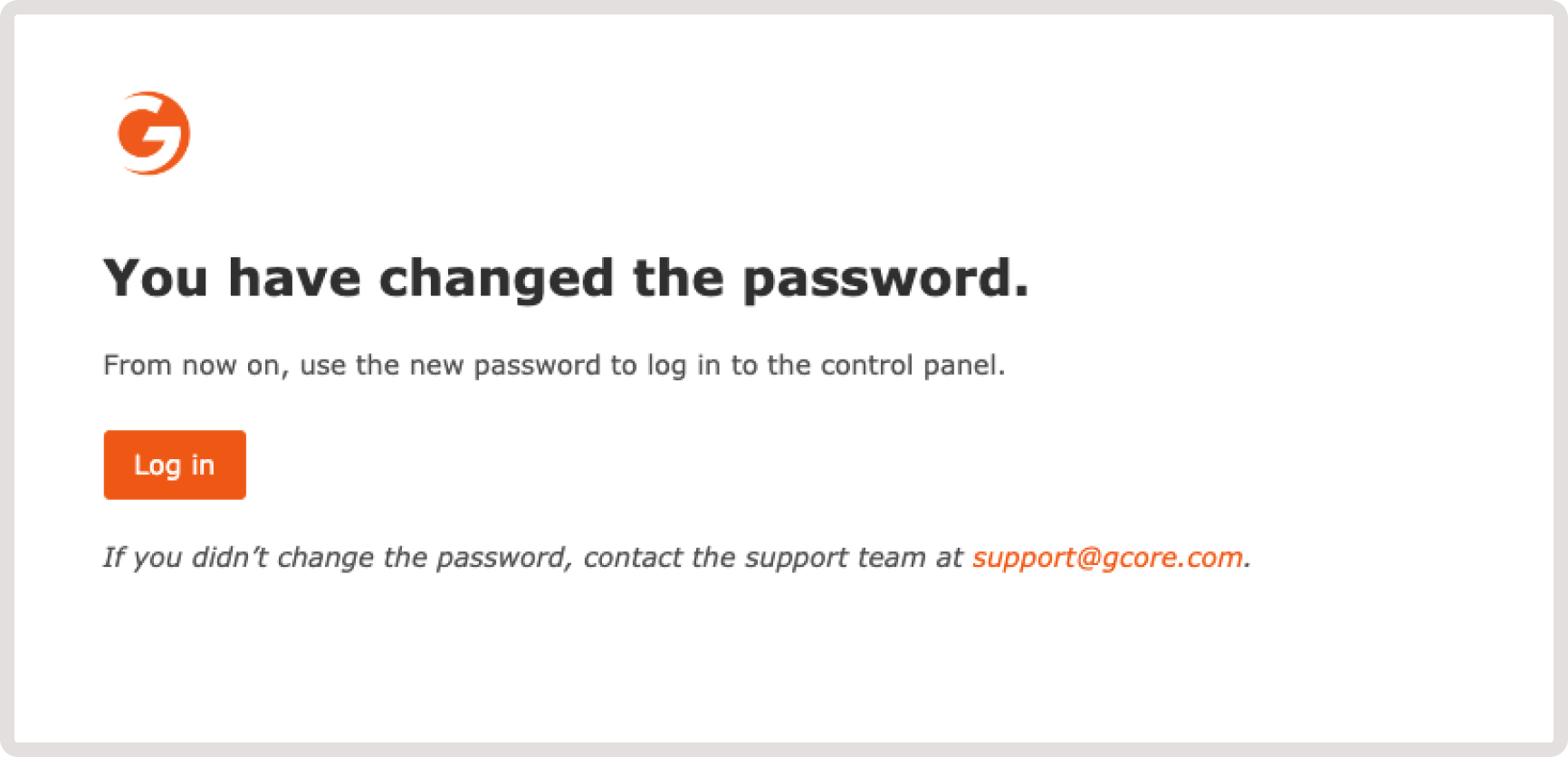
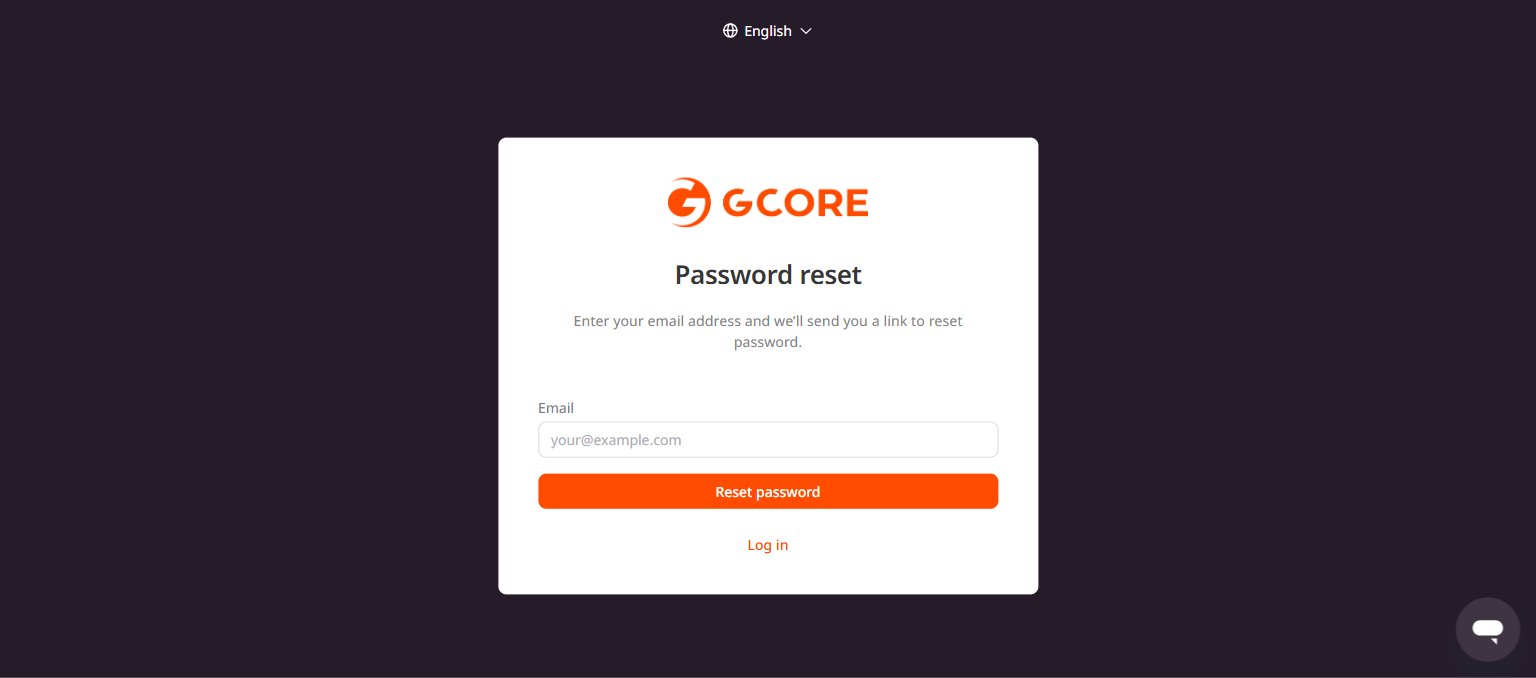
Reset a password
To reset a forgotten password, go to the reset password page, enter an email address, and click Reset password. A link to create a new password will be sent to that address.