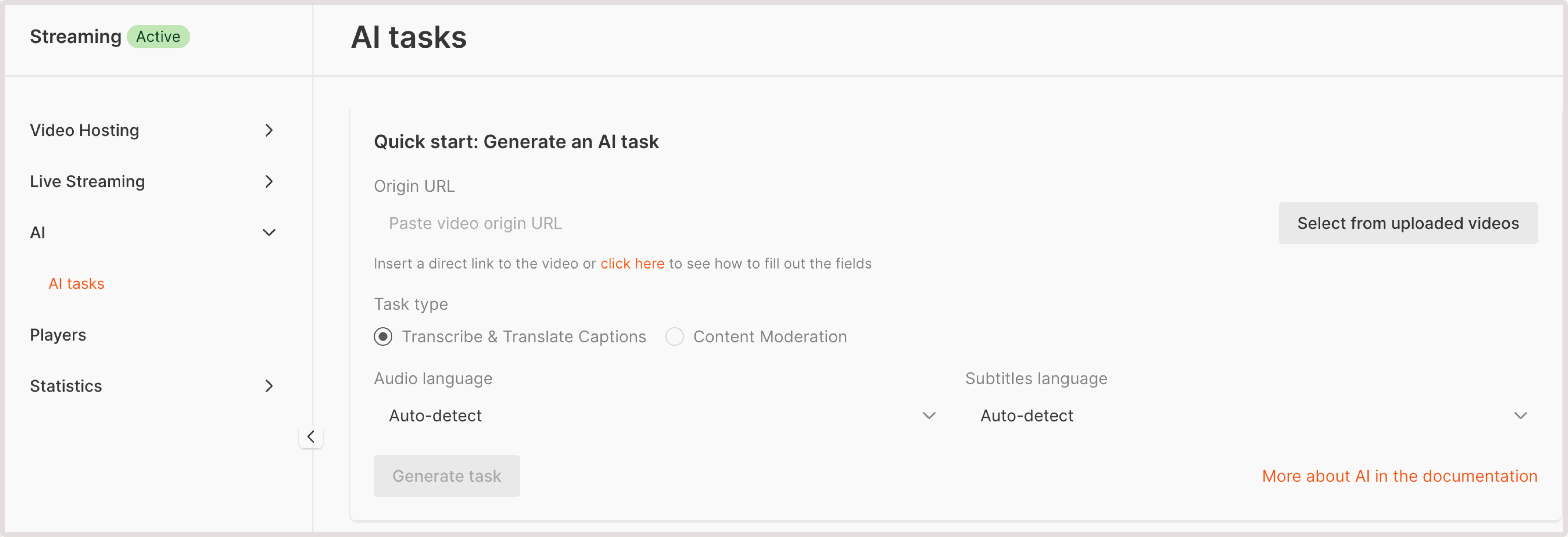
Not safe for work (NSFW) content moderation task identifies and filters materials that are inappropriate for workplace environment. Our algorithm flags content as NSFW if it’s potentially unsuitable for viewing in public places. If such content is detected, the AI model will provide its confidence level (in percentage) of how sure it is that the content is NSFW. To run the NSFW detection check: 1. In the Gcore Customer Portal, navigate to Streaming > AI. The AI tasks page will open.Documentation Index
Fetch the complete documentation index at: https://gcore.com/docs/llms.txt
Use this file to discover all available pages before exploring further.

- Paste video origin URL : If your video is stored externally, provide a URL to its location. Ensure that the video is accessible via HTTP or HTTPS protocols.
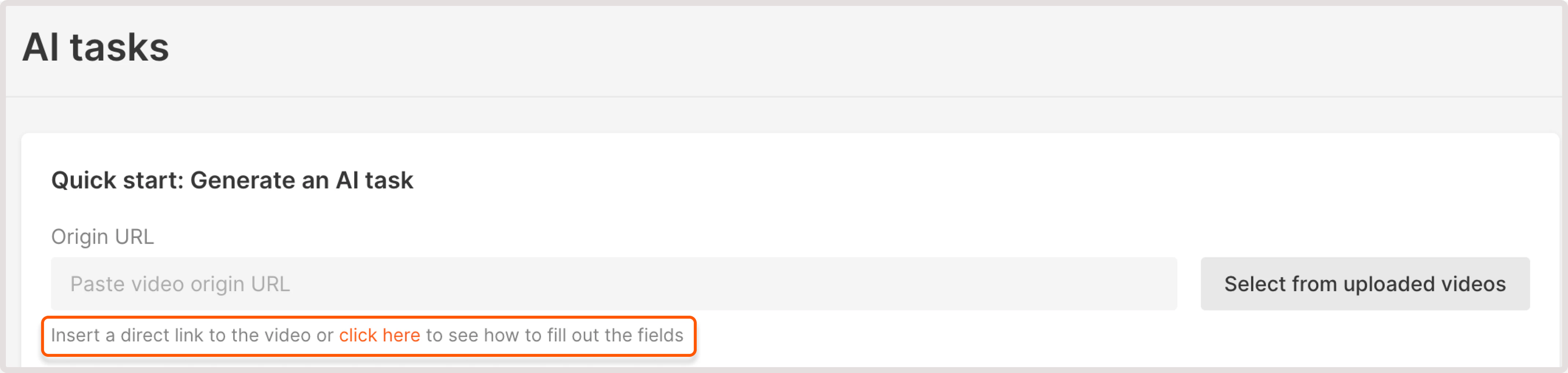
- Select from uploaded videos : choose a video hosted on the Gcore platform.
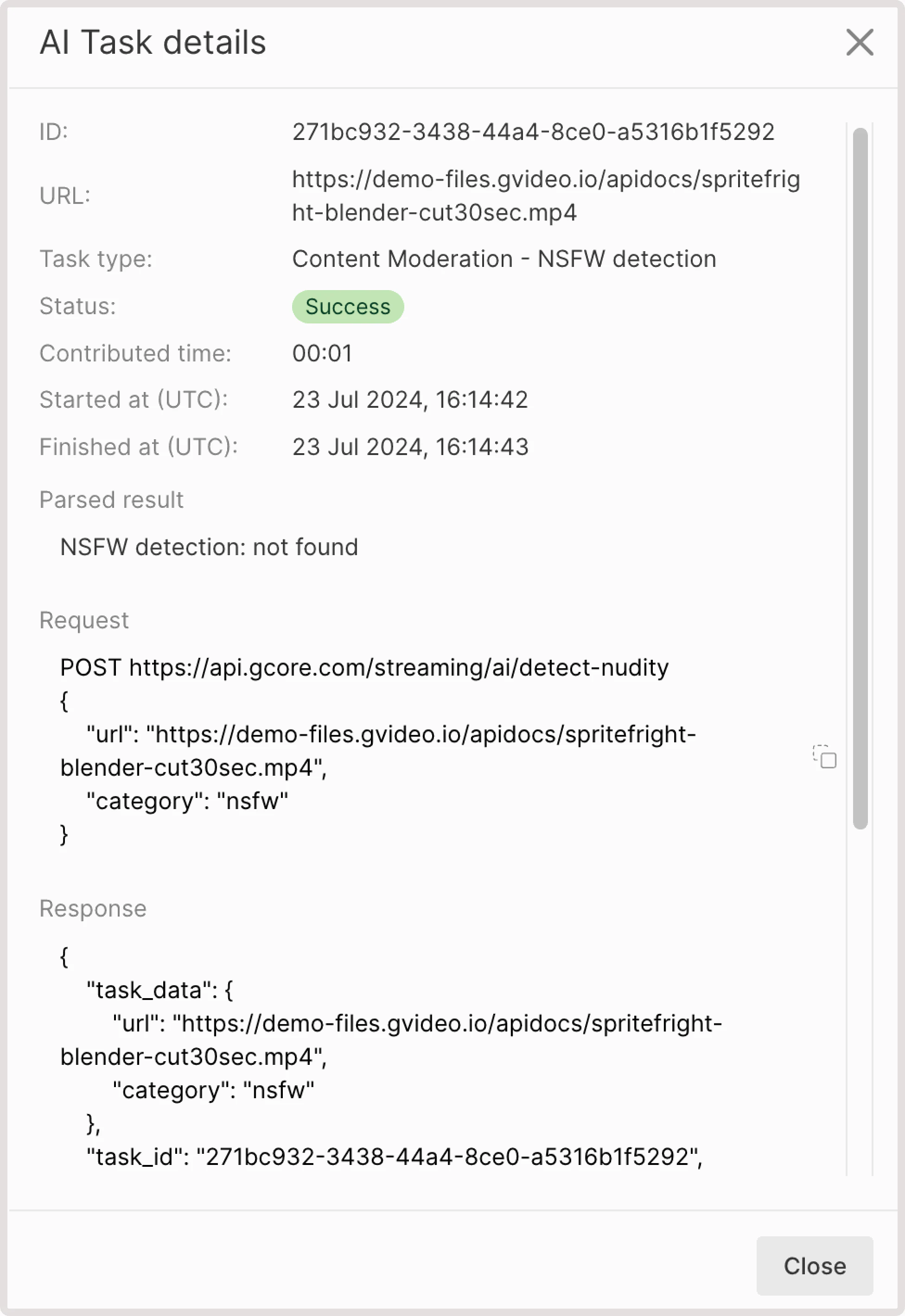
- NSFW detection: not found. This means that your video has no NSFW content.
- If some sensitive content is found, you’ll get the info about the detected element, relevant iFrame, and the confidence level in % of how sure AI is that this content is NSFW. For example, you can get the following output: “nsfw: detected at frame №2 with score 41%”.