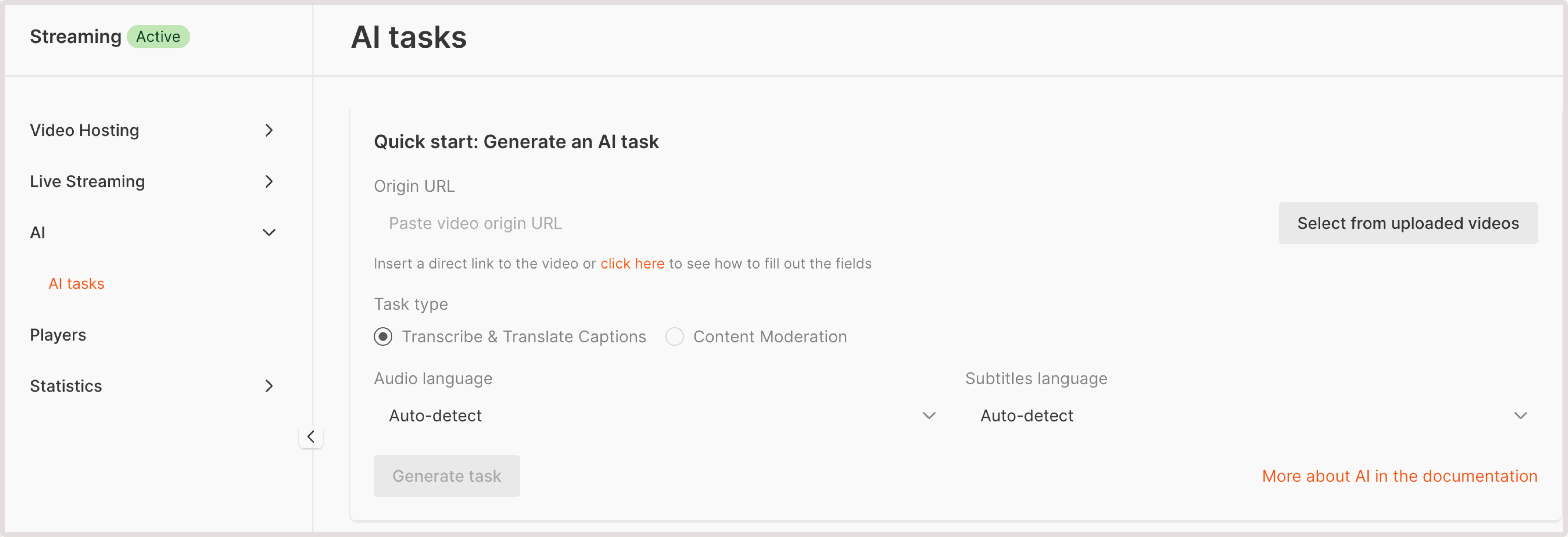
The soft nudity content moderation task detects both explicit and partial nudity. This includes the presence of male and female faces and other uncovered body parts in a video. It’s often used to determine whether videos can be published to all users or the publication should be prohibited due to offensive and inappropriate content. For a full list of objects that can be detected with the soft nudity check, read our API documentation. This task allows you to identify faces and other body parts, and it detects more objects than hard nudity detection. For this reason, it takes more time to analyze video for soft nudity. The check returns information about the object identified, video frame number where it was found, and probability of the detected object. Objects with a probability of at least 30% are included in the response. To run the soft nudity detection check: 1. In the Gcore Customer Portal, navigate to Streaming > AI. The AI tasks page will open.Documentation Index
Fetch the complete documentation index at: https://gcore.com/docs/llms.txt
Use this file to discover all available pages before exploring further.

- Paste video origin URL : If your video is stored externally, provide a URL to its location. Ensure that the video is accessible via HTTP or HTTPS protocols.
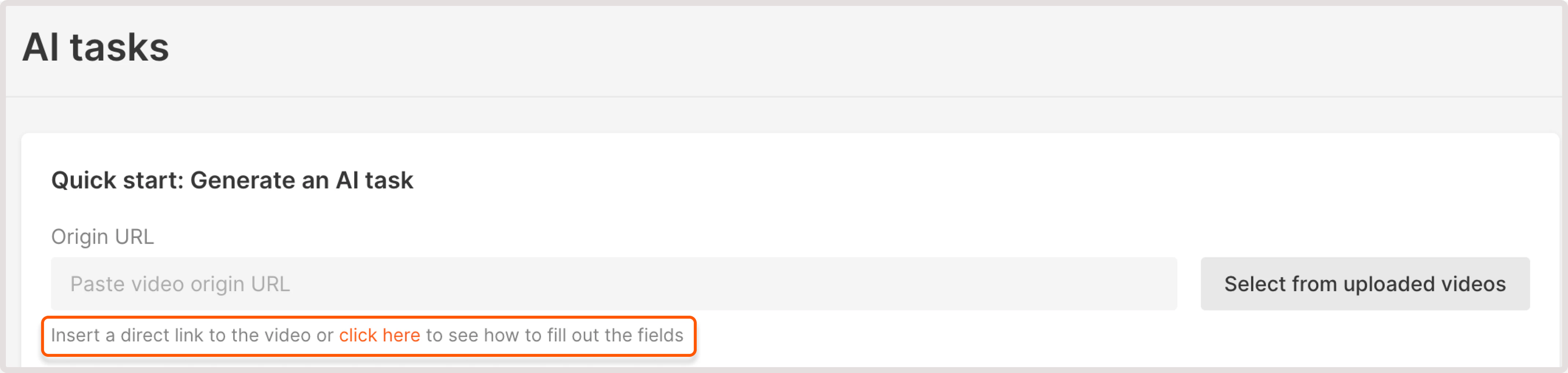
- Select from uploaded videos : choose a video hosted on the Gcore platform.
- Soft nudity detection: not found. This means that your video has no soft nudity content.
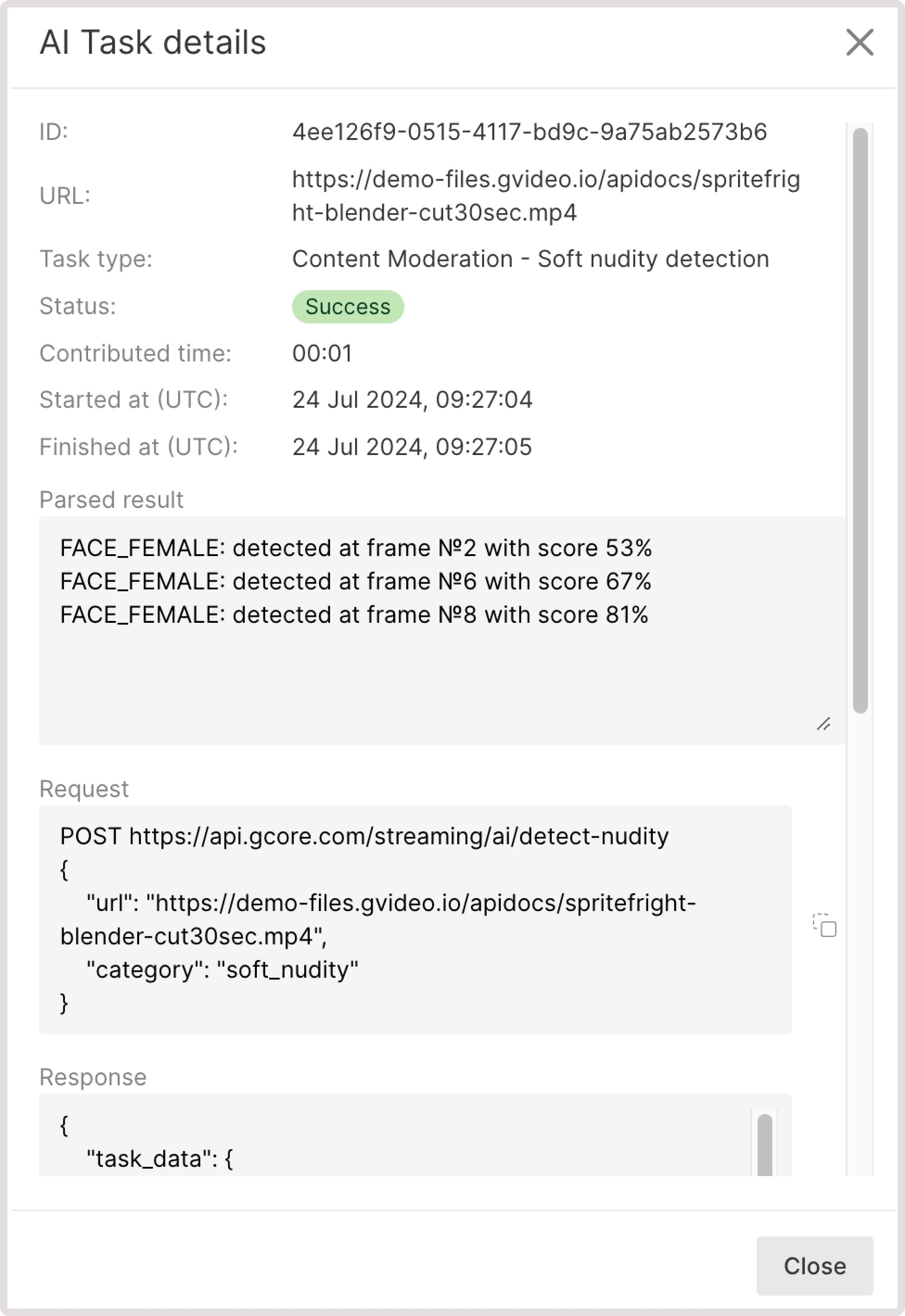
- If some sensitive content is found, you’ll get the info about the detected element, relevant iFrame, and the confidence level in % of how sure AI is that this content is soft nudity. For example, you can get the following output: “BELLY_EXPOSED: detected at frame №2 with score 41%”.