The sport detection content moderation task identifies various sporting activities in a video. This can include detecting specific types, actions, events, and moments.
The check returns information about the object identified, video frame number where it was found, and probability of the detected object. Objects with a probability of at least 30% are included in the response.
For a full list of activities that can be detected with the sport detection check, read our API documentation.
TipFor proper analysis, make sure your video is at least 10-15 seconds long.
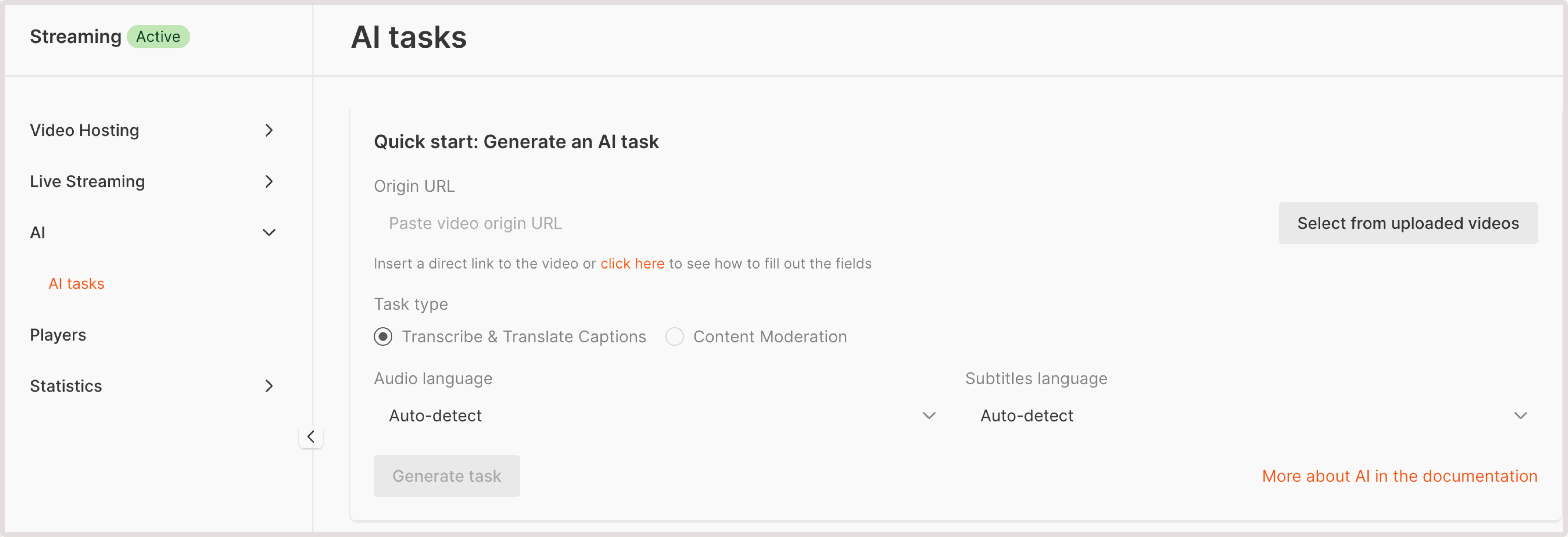
- Paste video origin URL : If your video is stored externally, provide a URL to its location. Ensure that the video is accessible via HTTP or HTTPS protocols.
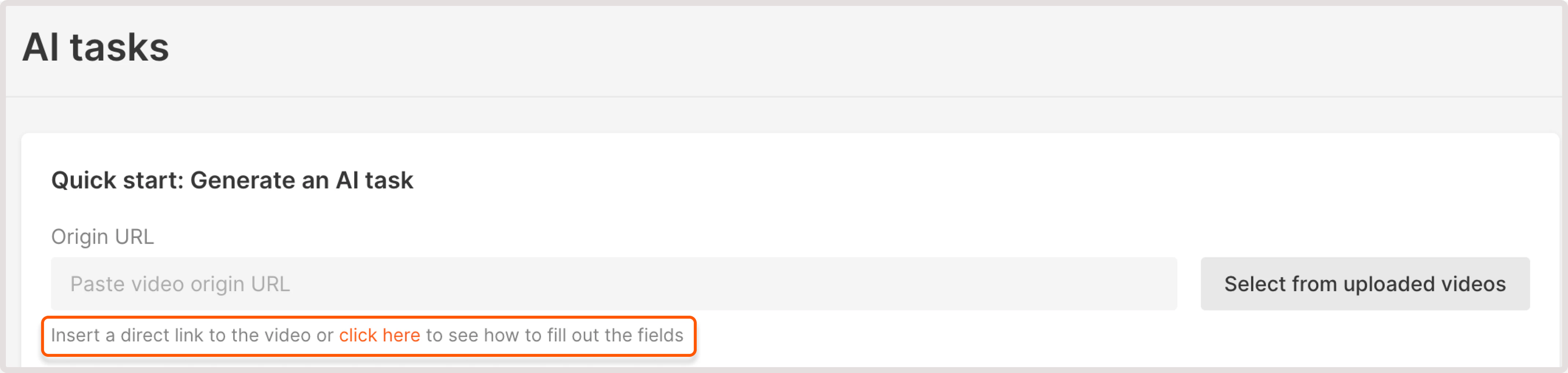
To check the example of correctly formatted URL, use the link under the field. It will autogenerate a sample URL and you can adjust your URL accordingly.
- Select from uploaded videos : choose a video hosted on the Gcore platform.
3. In the Task type, choose Content moderation.
4. In the following dropdown, select Sport detection.
5. Click Generate task.
6. Wait until the task is processed and has the Success status, click the task ID to view task details.
7. Check out the Task result field. You can have one of the following outputs:
-
Sport detection: not found. This means that your video doesn’t contain sport activities.
-
If some sport activities are detected, you’ll get the info about the detected element, relevant iFrame, and the confidence level in % of how sure AI is that this content contains sport activities.