



Edge Proxy
Stop DDoS attacks at the edge. Before they reach your origin.
Keep users connected to the TCP and UDP services they rely on, even when attacks hit. Start with an IP and port, without owning or rebuilding the network around it.
 FREE Trial
 Start in 2 minutes
  No ASN or BGP required
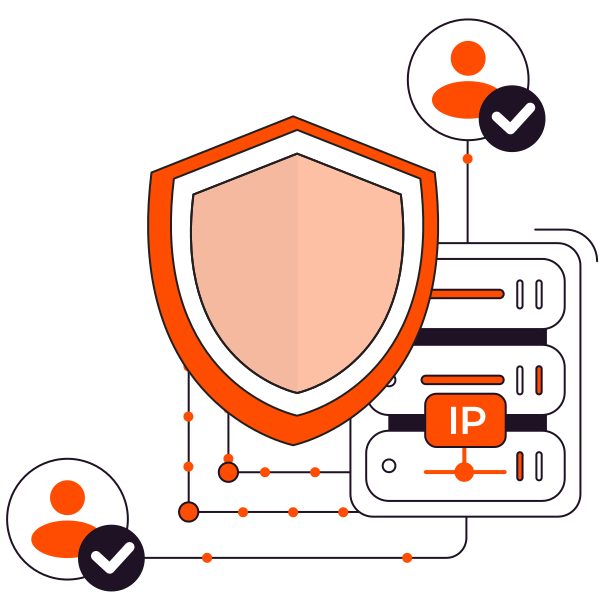






The origin is yours. The route may not be.
Broad controls force you to choose between wasted capacity and blocked users.
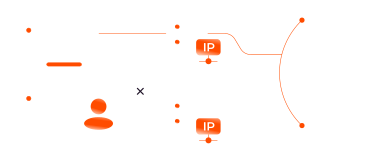
You cannot announce what you do not own
Your service is live, but the IP address belongs to your provider. Traditional DDoS protection cannot reroute traffic for an address you do not control.
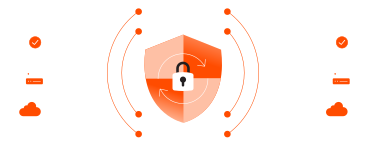
Protection becomes a network project
What should be a security decision turns into paperwork, approvals, and network changes. Protection waits while your team works through ASN, LOA, and GRE requirements.
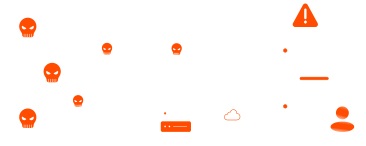
Your origin becomes the first line of defense
Attackers do not care who owns the network. If traffic reaches your origin first, every spike puts availability, users, and your team under pressure.
Protection starts with an IP and a port
Keep your service where it runs and add protection without rebuilding the network.
01
Connect the service you already run
Enter your origin IP, port, and protocol, then choose a profile that fits its traffic.
02
Receive a protected Anycast address
Get a Gcore Anycast IP that becomes the protected public address for your service.
03
Give users a protected path to your service
Point traffic to the protected address. Edge filtering sends clean traffic to your origin.
Protection should fit your service.
Not the other way around.
Keep your origin where it is, match filtering to real traffic, and scale by Proxy Mapping instead of attack volume.
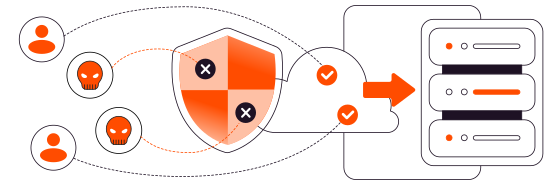
Keep real users connected
Let legitimate traffic keep reaching your service while attack traffic is filtered before the origin.
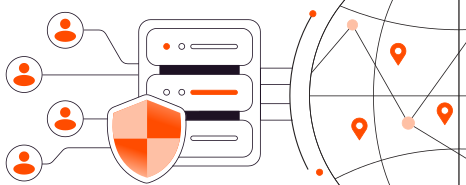
Get protected without rerouting
Add protection without owning a network, configuring BGP, or building a GRE tunnel around your service.
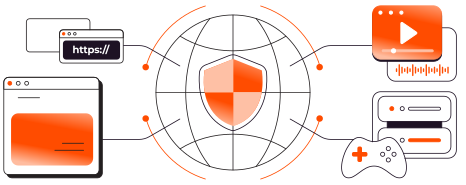
Match protection to your service
Choose a profile shaped around the TCP, UDP, game, or custom protocol your service actually uses.
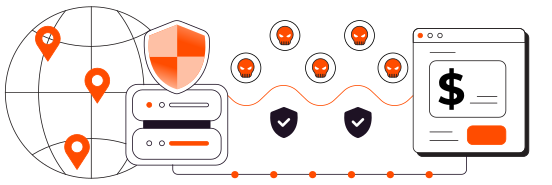
Keep attacks off your bill
Pay for the Proxy Mappings you use, not attack traffic or every gigabyte that passes through.
Big attacks need
a bigger network
When attack traffic surges, your service should not have to absorb it. Gcore’s global edge and DDoS filtering take the pressure first, so clean traffic can keep moving.
210+
edge PoPs worldwide
200Tbps
DDoS filtering capacity
≈12Tbps
largest reflected attack
14k+
peering partners
The network takes the pressure.
You keep the control.
Choose how traffic is filtered, forwarded, and observed, then add custom profiles or private paths when your setup demands more.

Choose game-specific or generic TCP and UDP profiles so filtering starts with the traffic your service expects.

Pass the original client IP to compatible TCP backends with PROXY protocol v1 or v2.

Shape custom profiles around proprietary traffic with rate limits, ACLs, and country controls.

Connect eligible origins through PNI or Direct Connect when the public path is not the right fit.

Review traffic and protection statistics so your team can see what reaches the service.

Provision Proxy Mappings through the API and raise account limits as your service footprint grows.
Different traffic. Different stakes.
One protected path.
Give the moments your customers remember the speed, resilience, and control they need to hold up under pressure.
Keep critical transactions moving
Run TCP and TLS services through protected ingress without handing over private keys or terminating encryption at the edge.
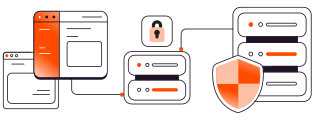
Keep access inside approved boundaries
Limit traffic by country and apply custom rate controls when your service needs tighter access rules.
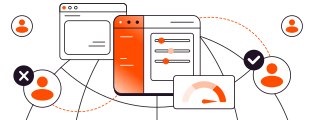
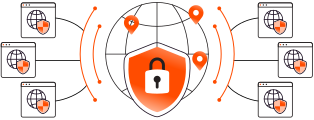
Protect services without route control
Add protected ingress to cloud VMs and hosted services even when the provider controls the addressing and routing.
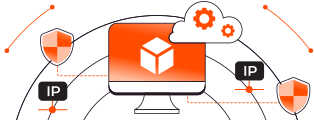
Keep one target from affecting everyone
Give each tenant endpoint its own Proxy Mapping and profile so one attack does not pressure the wider fleet.
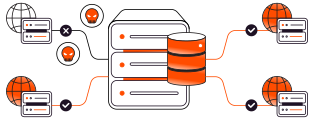
Keep relay and matchmaking fleets reachable
Protect growing fleets with engine-aware profiles, Proxy Mappings, and API provisioning.
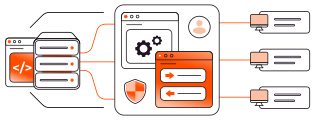
Protect protocols beyond the catalogue
Build custom profiles around VPNs, proprietary protocols, and other non-HTTP services when standard filtering does not fit.
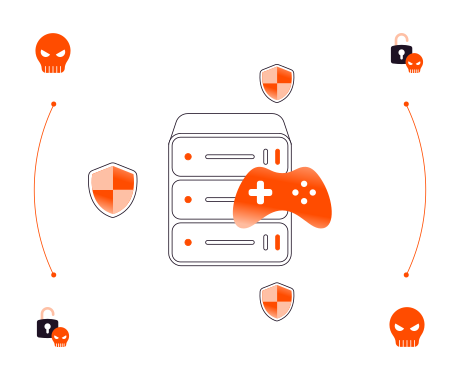
Stop attacks. Keep adventures moving.
Floods, fake handshakes, and protocol abuse should not interrupt gameplay or push players off your server. Add game-aware protection in minutes, with no engineering required.
- TCP and UDP support
%22%20stroke%3D%22%23FF4C00%22%2F%3E%3Cpath%20d%3D%22M6%2010.2l2.5%202.5L14%207%22%20stroke%3D%22%23FF4C00%22%20stroke-width%3D%221.6%22%20stroke-linecap%3D%22round%22%20stroke-linejoin%3D%22round%22%2F%3E%3C%2Fsvg%3E)
Your bill should not grow with the attack.
%22%2F%3E%3Cpath%20d%3D%22M14.669%208.25L9.628%2013.292L7.336%2011%22%20stroke%3D%22white%22%20stroke-width%3D%221.375%22%20stroke-linecap%3D%22round%22%20stroke-linejoin%3D%22round%22%2F%3E%3C%2Fsvg%3E) 2-day free trialUnmetered attack capacitySetup under 2 minutesGaming-optimized presetsTCP/UDP application support1 rule = 1 protected app1 proxy rule included
2-day free trialUnmetered attack capacitySetup under 2 minutesGaming-optimized presetsTCP/UDP application support1 rule = 1 protected app1 proxy rule includedAdd proxy rules anytime
Make the edge your first line of defense
Your service has users to serve. Let us handle the attacks.
FREE trial available · Start in 2 minutes
Frequently asked Questions
Everything you need to know about Edge Proxy.