Gcore Video Streaming deletes the uploaded original files after the transcoding is completed, so don’t rely on it to back up your originals.
Download transcoded files
While the original files aren’t available for download, you can get the transcoded files via the Gcore Customer Portal.Step 1. Open the Video Settings
You can find the video by navigating to Gcore Customer Portal > Streaming > Video Hosting > All Videos and clicking on the video name to access the Video Settings.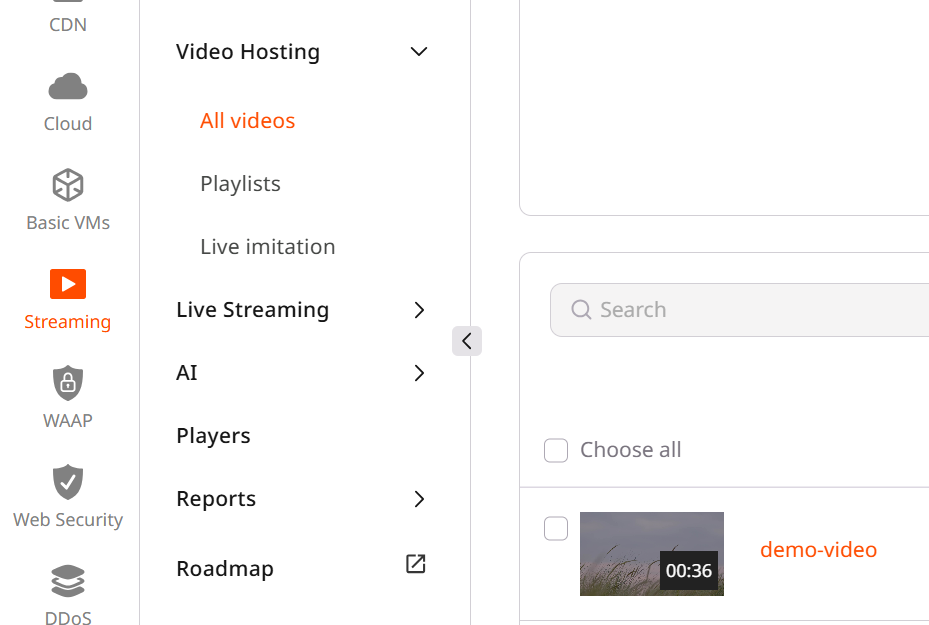
Step 2. Select video quality
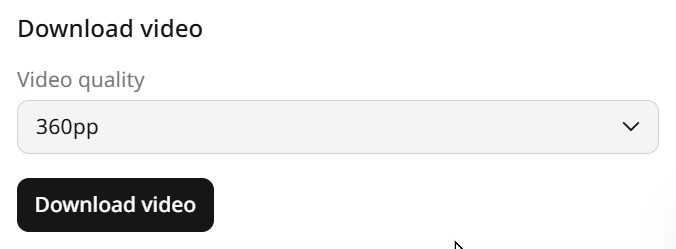
Scroll down the Video Settings until you see the Download video section on the bottom right, and select your desired Video quality.