


Spotlight

Case Study Microsoft

How Microsoft scaled global content delivery

Find out how Microsoft used Gcore to strengthen delivery across regions.

case study ProSieben GNTM app TOPSHOT

How ProSieben scaled GNTM's app TOPSHOT

Explore how ProSieben brought real-time AI portraits to GNTM's audience.

case study Higgsfield

How Higgsfield scaled AI video generation

See how Gcore helped Higgsfield scale with GPUs and Managed Kubernetes.

case study Fawkes Games

How Fawkes Games stopped DDoS attacks

See how Gcore protected gaming servers from massive DDoS threats without disrupting gameplay.

We're hiring

Help build the next chapter of the web

We're not just filling seats. We're building a team that will write the next chapter of the internet.

  1. Home
  2. Developers
  3. Edge Request Timing and Logging

Edge Request Timing and Logging

  • By Gcore
  • August 20, 2026
  • 2 min read
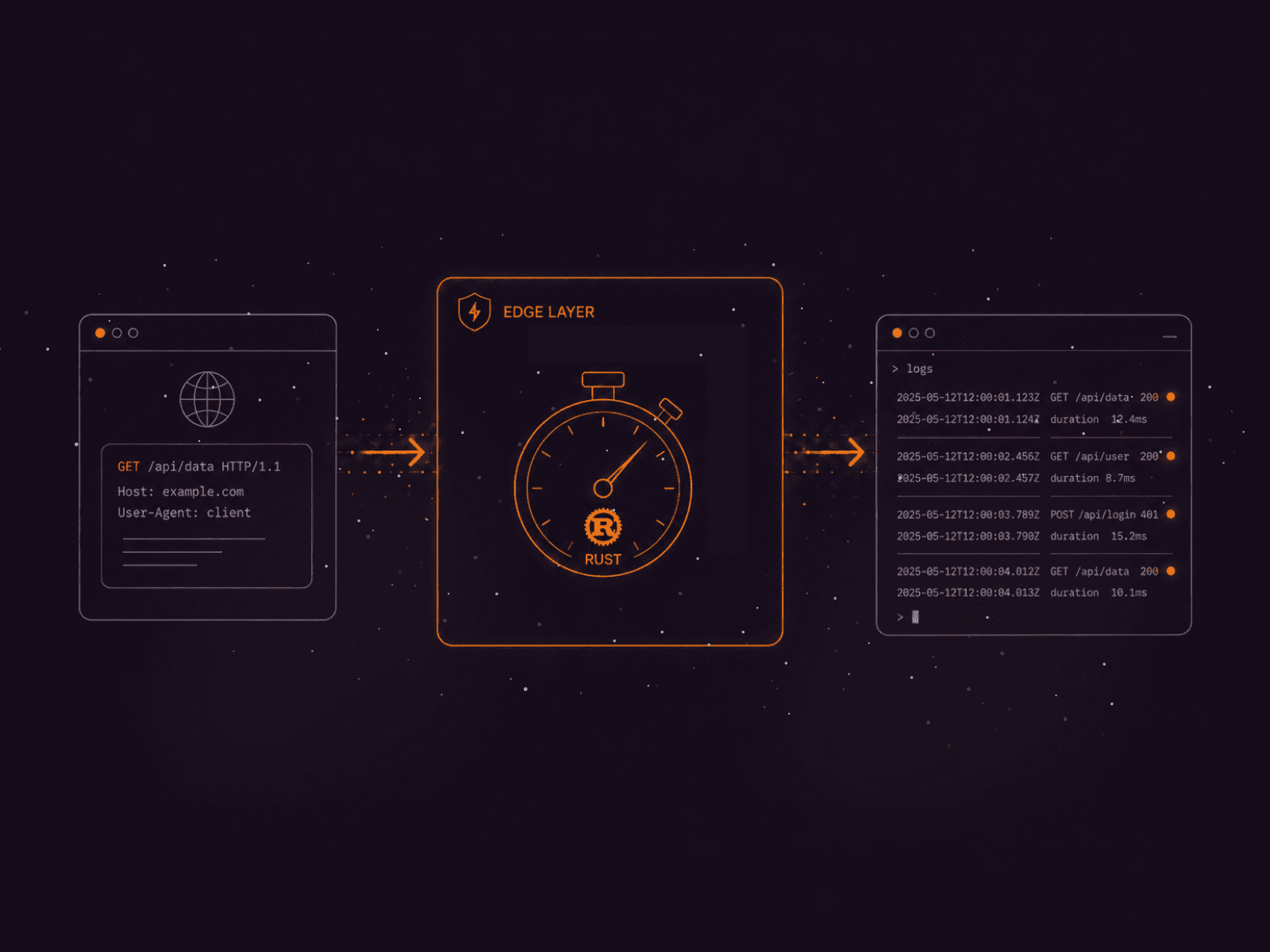
An API request flows through a timer labeled 'GOOD_USER' to generate detailed logs.

When your code runs across 100+ edge locations worldwide, understanding what each worker is doing becomes critical for debugging, optimization, and reliability. FastEdge provides logging and timing capabilities that give you visibility into every request processed at the edge.

This post covers Edge Request Timing and Logging — a pattern for adding observability to your edge workers.

Why Edge Observability Matters

Log request processing times and other metrics from your FastEdge workers for observability and debugging.

Without observability at the edge, you're flying blind. A slow response could be caused by a cold start, a network issue at a specific PoP, or a bug in your edge logic — and you'd have no way to tell which. Adding logging and timing to your workers turns them from black boxes into transparent, debuggable components.

Implementation

Here is how you add request timing and logging to your FastEdge worker:


What You Can Track

  • Request timing — how long each phase of processing takes, including routing, KV lookups, and HTTP calls.
  • Error rates — identify failing edge workers across specific PoPs.
  • Cache hit ratios — optimize your caching strategy based on real data.
  • Geographic distribution — understand where your traffic originates.
  • Cold start frequency — monitor how often workers are being initialized fresh.

Log Levels

The FastEdge SDK supports standard log levels: trace, debug, info, warn, and error. Use them appropriately to avoid noise while retaining the ability to debug production issues:


 Tip: Combine edge logging with structured logging at your origin for end-to-end request tracing. Include a unique request ID in edge logs that gets passed to upstream services through headers.

Related articles

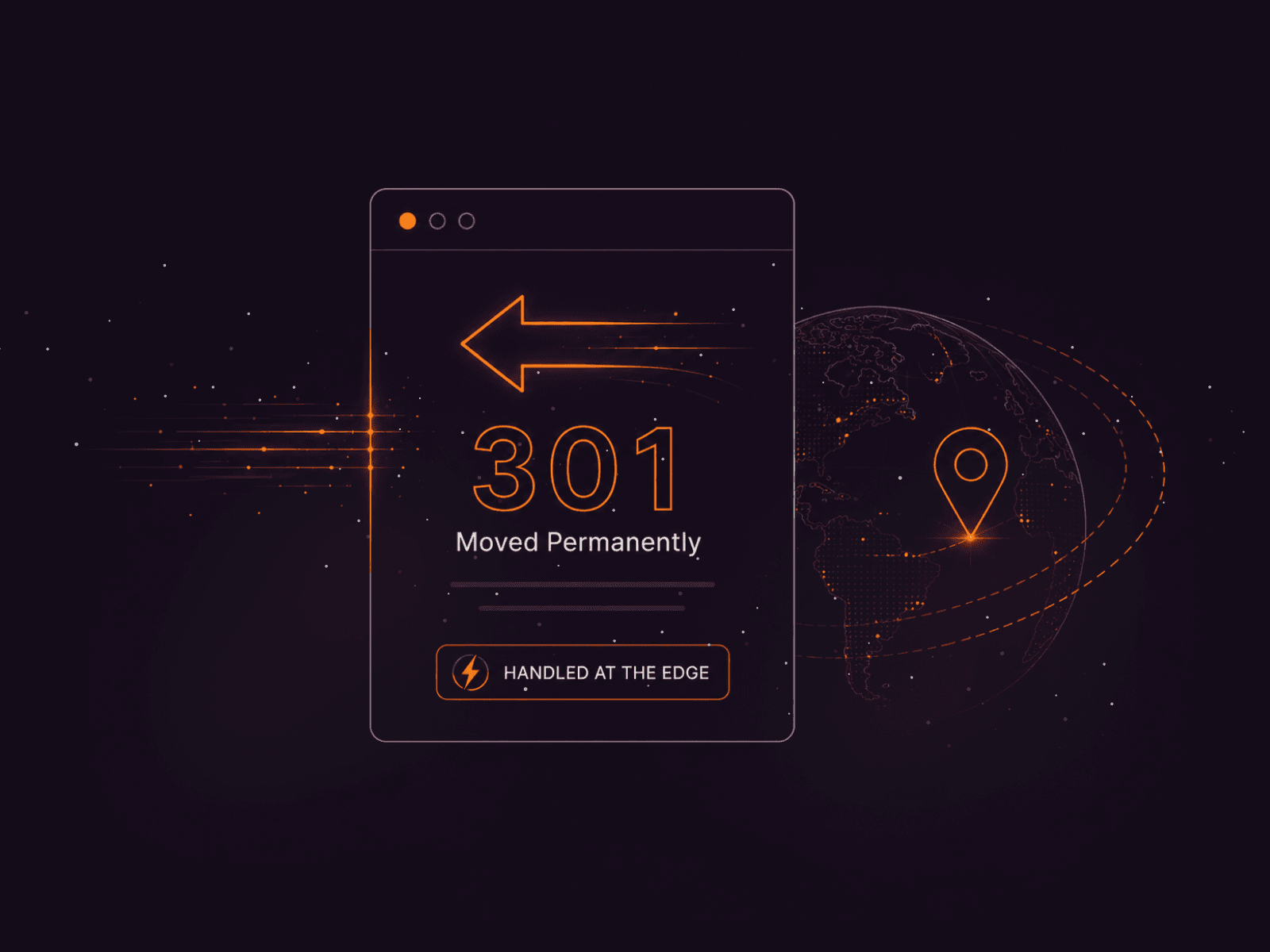
Browser window displaying '301 Moved Permanently' with a large arrow indicating redirection and a globe.
Edge Redirects Without Upstream Round-Trips

One of the most powerful features of edge computing is the ability to inspect and route traffic before it ever reaches your origin server. FastEdge gives you full programmatic control over request routing at every edge location worldwide.In

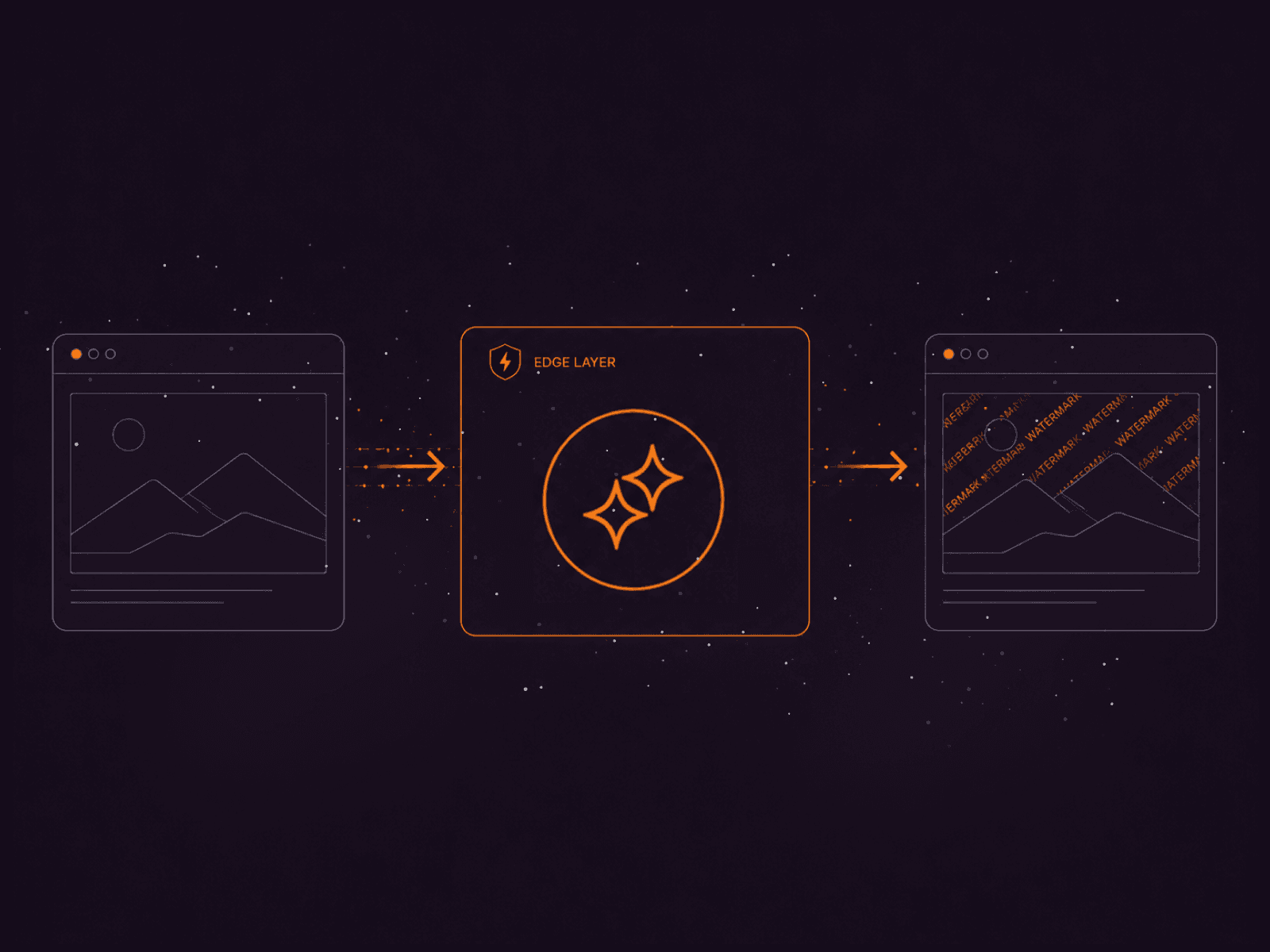
Diagram showing data processing flow: input, 'spider.json' component, and output screen.
Dynamic Image Watermarking at the Edge

Running compute at the edge means you can transform and optimize content before it reaches your users — with sub-millisecond cold starts and no additional infrastructure. Every FastEdge worker runs on WebAssembly, providing sandboxed, predi

A stylized 404 error page with 'Page Not Found' and 'Go Home' button, surrounded by network connections and code snippets, powered by Rust.
Custom Error Pages at the Edge

One of the most powerful features of edge computing is the ability to inspect and route traffic before it ever reaches your origin server. FastEdge gives you full programmatic control over request routing at every edge location worldwide.In

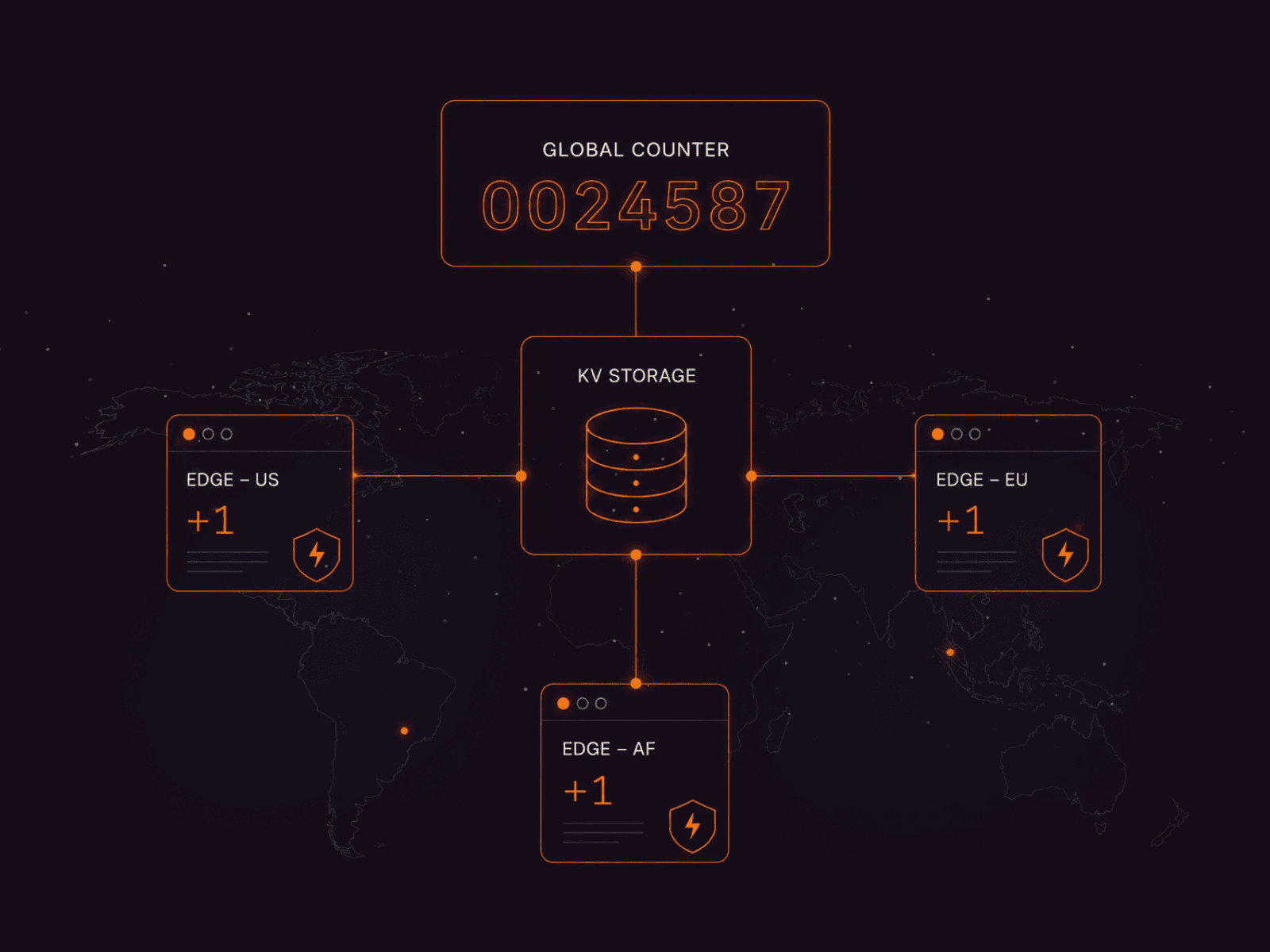
Diagram shows a global counter using KV storage and three edge server locations.
Edge Counter with Global KV Storage

FastEdge provides distributed edge KV storage that lets you read and write data from any edge location worldwide. Unlike traditional centralized databases, edge KV stores data close to users — reads are served from the nearest PoP, making t

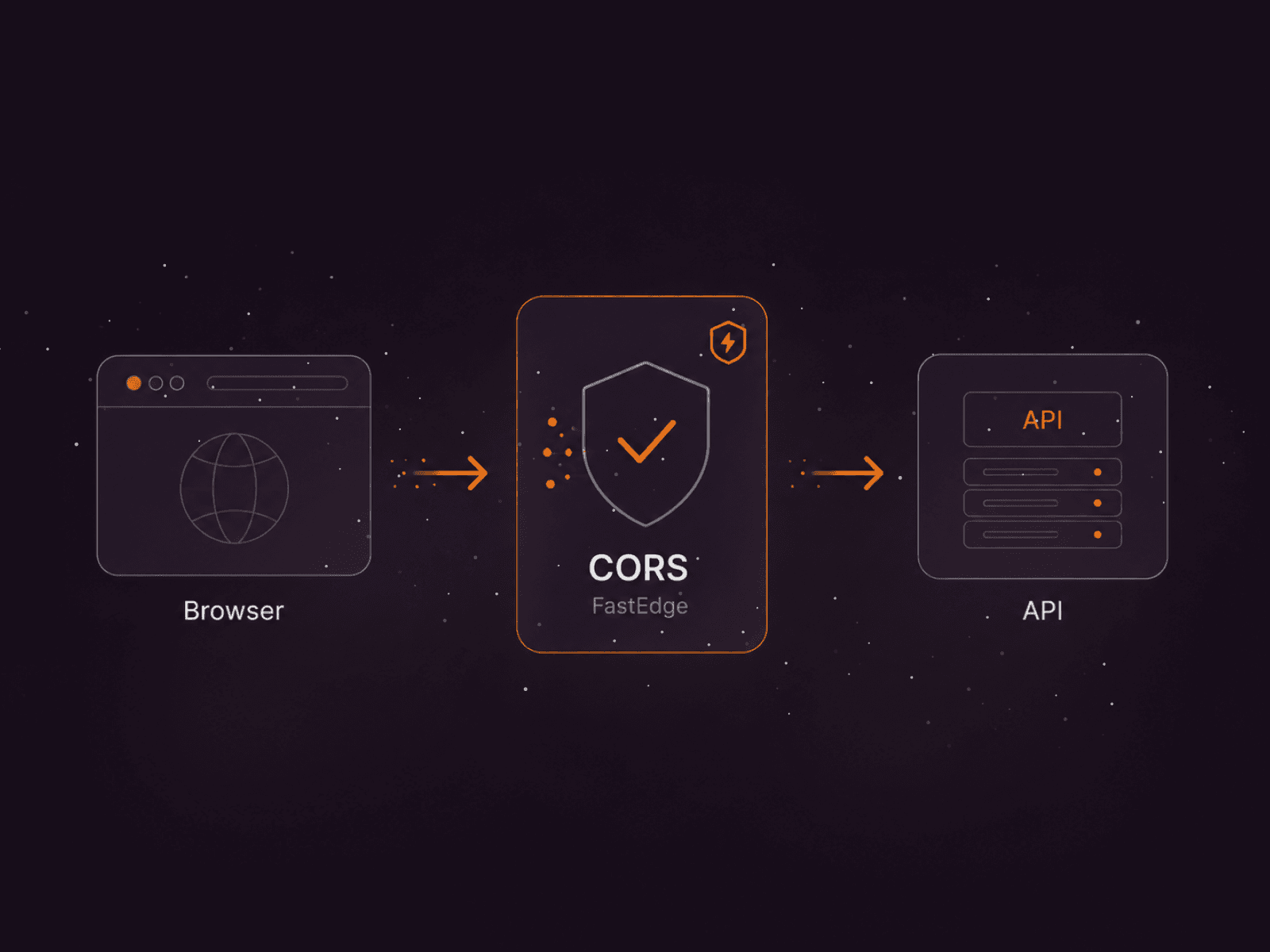
Diagram showing a browser interacting with an API through CORS FastEdge security.
CORS Made Simple at the Edge

Security at the edge means threats are stopped before they reach your infrastructure. By implementing security logic in FastEdge workers, you can validate, filter, and block requests at the closest edge location to the user — providing the

Diagram showing user interaction flowing through an API Gateway, serverless functions, and a database.
Build a Serverless API Gateway at the Edge

One of the most powerful features of edge computing is the ability to inspect and route traffic before it ever reaches your origin server. FastEdge gives you full programmatic control over request routing at every edge location worldwide.In

Subscribe to our newsletter

Get the latest industry trends, exclusive insights, and Gcore updates delivered straight to your inbox.