



Multi-Cloud Plan: What It Is and How It Works
- March 9, 2026
- 8 min read

Your cloud provider goes down. Applications fail. Customers can't access your services. And because you've built everything around a single vendor, there's nothing you can do but wait. For organizations locked into one cloud platform, this isn't a hypothetical nightmare. It's an operational risk that keeps IT leaders up at night.
The stakes are real. Organizations that spread their workloads across multiple cloud environments report spending 45% more time on cloud management, but that investment buys significant advantages: the ability to route traffic elsewhere during outages, negotiate competitive pricing, and tap into best-of-breed capabilities that no single provider can match. In a landscape where major cloud providers each dominate different specialties, choosing just one means leaving real performance and cost advantages on the table.
This article explores how a multi-cloud plan actually works, what it takes to use one successfully, and how to navigate the real challenges, from security complexity to vendor management, so your organization can build a cloud architecture that's resilient, flexible, and built to last.
What is a multi-cloud plan?
A multi-cloud plan is when you deliberately use two or more public cloud providers to host your applications, data, and infrastructure, choosing each provider based on what it does best. No single provider excels at everything. One might offer superior data analytics tools, while another leads in machine learning capabilities, so you pick the right environment for each workload.
The practical benefits go beyond performance. If one provider goes down, you can route traffic to another, reducing the risk of a single point of failure. You also avoid vendor lock-in, which gives you real leverage when negotiating pricing or switching providers if costs rise. For regulated industries, it's especially useful. You can store data in specific geographic locations to meet compliance requirements without rebuilding your entire architecture.
It's not a simple approach, though. Organizations running multi-cloud report spending 45% more time on cloud management than those using a single provider, so the operational complexity is real and worth planning for.
How does a multi-cloud plan work?
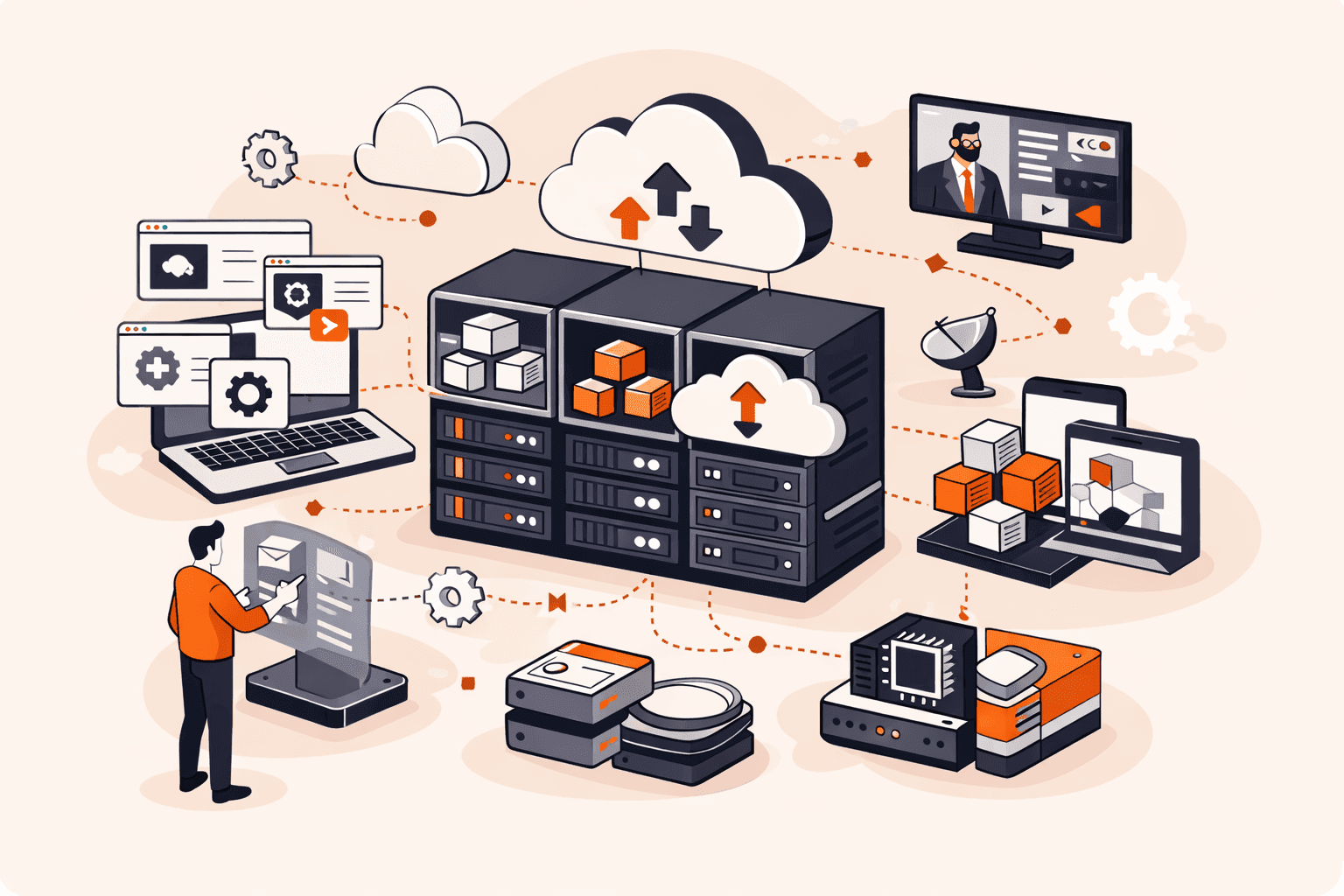
A multi-cloud plan works by distributing your workloads, data, and applications across two or more cloud providers, each chosen for what it does best. Instead of running everything through one provider, you match each workload to the environment best suited for it.
Here's how that plays out in practice. You might run compute-intensive jobs on one platform, store regulated data on another in a specific region for compliance, and handle analytics on a third. The workloads stay separate but are managed through a common orchestration layer, typically built around Kubernetes and open container standards that keep your applications portable between environments. A managed Kubernetes service makes this easier by handling the orchestration layer for you across providers.
When one provider experiences downtime, you route traffic to another. When pricing shifts, you move workloads to the more cost-effective option. That flexibility is the core mechanism. It does come with tradeoffs. Organizations report spending 45% more time on cloud management compared to single-cloud setups, so solid tooling and consistent security policies across every environment aren't optional. They're what make the whole thing actually work.
What are the benefits of a multi-cloud plan?
The benefits of a multi-cloud plan come down to flexibility, resilience, and control over your infrastructure. The key advantages are listed below.
- Vendor lock-in avoidance: Spreading workloads across providers means you're not trapped if one raises prices or drops a feature you depend on. You can shift workloads to a better-fit provider without rebuilding everything from scratch.
- Reduced single points of failure: If one provider goes down, you can route traffic to another, helping to avoid a full outage. This improves resilience during unexpected downtime, provided your architecture is designed to support failover.
- Workload optimization: Different providers excel at different things. One might have superior data analytics tools, another stronger machine learning capabilities. Matching each workload to the right provider gets you better performance than any single provider could deliver.
- Cost control: Competitive pricing across providers gives you real negotiating power. You can shift workloads to whichever platform offers the best rates for a given job, rather than accepting whatever one vendor charges.
- Regulatory compliance: Storing data in specific geographic regions is often a legal requirement, not a preference. Multi-cloud lets you place data exactly where regulations demand it while keeping your operations consistent.
- Increased agility: Your team can adopt new services and capabilities faster when you're not waiting on a single vendor's roadmap. If a better tool appears elsewhere, you can use it.
- Improved negotiating position: Vendors know you have alternatives. That can improve pricing conversations and service-level commitments in your favor.
- Scalability on your terms: You can scale specific workloads on the platform best suited to handle them, rather than scaling everything through one provider's architecture.
What are the main challenges of a multi-cloud plan?
Multi-cloud challenges fall into a few predictable categories: complexity, cost, and security chief among them. The main challenges are listed below.
- Operational complexity: Managing multiple environments means different tools, interfaces, and processes for each provider. Organizations using multi-cloud report spending 45% more time on cloud management compared to single-cloud approaches. That overhead adds up fast.
- Security consistency: Each additional provider expands your attack surface. Enforcing consistent security policies across environments is genuinely difficult. What's configured on one platform doesn't automatically apply to another.
- Cost visibility: Multi-cloud can reduce spend through competitive pricing, but only if you can see where money's going. Without centralized cost monitoring, bills across multiple providers become hard to track and even harder to improve.
- Vendor due diligence: You can't just pick providers at random. Careful evaluation of how your applications perform with each provider is essential before you commit workloads to them.
- Workload portability: Moving workloads between clouds requires your architecture to be built around portability from the start. Container technologies and open standards like Kubernetes help, but retrofitting portability onto applications you've already deployed is a significant undertaking.
- Compliance management: Storing data across multiple providers in different regions means tracking which data lives where and ensuring each location meets the relevant regulatory requirements. It's manageable, but it requires deliberate planning.
- Skill gaps: Your team needs expertise across multiple platforms simultaneously. That's a broader skill requirement than a single-cloud setup demands, and it affects hiring, training, and day-to-day operations.
What are the most common multi-cloud use cases?
Multi-cloud use cases span workload distribution, cost control, and compliance. The most common ones are listed below.
- Disaster recovery: If one provider goes down, you can route traffic to another, reducing service interruption and eliminating the single point of failure that comes with relying on one vendor.
- Workload optimization: Different providers excel at different things. One might offer superior data analytics tools, while another leads in machine learning capabilities. You run each workload where it performs best.
- Vendor lock-in avoidance: Building applications that work across multiple clouds means you're not stuck if a provider raises prices or changes terms. Switching becomes a real option, not just a theoretical one.
- Regulatory compliance: Some industries require data to stay within specific geographic boundaries. Multi-cloud lets you store data in the right regions while keeping your operations consistent across environments.
- Cost optimization: You can shift workloads to whichever provider offers the best pricing at a given time. Competitive pricing between providers works in your favor.
- Geographic performance: Deploying across multiple providers gives you access to more Points of Presence globally. Users get served from infrastructure that's physically closer to them.
- Development and testing: Teams often use a secondary cloud environment for dev and test workloads, keeping production isolated. It's a practical way to control costs without compromising stability.
- High availability: Spreading critical applications across providers means no single outage takes everything offline. Your uptime depends on multiple independent systems, not one.
How to build a successful multi-cloud plan
You build a successful multi-cloud plan by defining clear workload requirements first, then matching each workload to the provider best suited for it.
- Audit your workloads before anything else. Catalog every application, database, and service you run. Identify performance requirements, compliance constraints, and cost sensitivity for each. You can't make smart placement decisions without this foundation.
- Choose providers based on specific strengths. Different providers excel at different things. One might offer superior data analytics tooling, while another leads in machine learning infrastructure. Match workloads to providers based on capability, not habit.
- Design for portability from day one. Build on open standards like Kubernetes and containerization so workloads can move between environments without major re-architecting. If you build in lock-in, you've defeated the purpose.
- Define a consistent security policy across all environments. Each additional provider expands your attack surface. Document and enforce security standards that apply uniformly, regardless of which cloud hosts a given workload.
- Invest in centralized management tooling early. Organizations running multi-cloud report spending 45% more time on cloud management than single-cloud teams. The right tooling closes that gap significantly. Don't treat it as optional.
- Plan your compliance requirements by geography. If regulations require data to stay within specific regions, map those requirements to provider availability zones before you deploy anything. Retrofitting compliance is expensive.
- Establish vendor relationships and review pricing regularly. Multi-cloud gives you real negotiating leverage. Use it. Review pricing models across providers periodically and shift workloads when a better deal makes financial sense.
The key thing to remember: complexity is the main risk here. Keep your provider count to what you genuinely need. Two or three well-integrated environments beat five poorly managed ones every time.
How to manage a multi-cloud environment effectively
You manage a multi-cloud environment effectively by combining the right tools, clear governance, and consistent processes across every provider you use.
- Start with a cloud management platform. Choose a platform that gives you visibility across all your providers from one interface. Without centralized visibility, you're flying blind. Costs spike, resources get orphaned, and security gaps appear before you notice them.
- Define a governance framework early. Set clear policies for who can provision resources, in which regions, and at what cost thresholds. Governance isn't just bureaucracy. It's what keeps your environment from becoming expensive chaos as your team grows.
- Standardize on containers and Kubernetes. Workload portability is the foundation of any practical multi-cloud setup. When your applications run in containers orchestrated by Kubernetes, you can move workloads between providers without rewriting everything from scratch.
- Build a consistent security baseline. Each additional provider expands your attack surface, so you can't manage security differently in each environment. Define your policies once, covering identity management, encryption standards, and network controls, then enforce them everywhere.
- Monitor costs in real time. Organizations managing multiple clouds spend roughly 45% more time on cloud management than single-cloud teams do, and cost overruns are a big reason why. Set budget alerts, tag every resource, and review spend weekly rather than monthly.
- Automate provisioning with infrastructure as code. Tools like Terraform let you define infrastructure consistently across providers. Manual provisioning across multiple clouds leads to configuration drift, which creates both reliability and security problems.
- Document your architecture decisions. When you've chosen a specific provider for a specific workload, write down why. Your team needs to understand the reasoning, especially when pricing or capabilities shift, and you're evaluating whether to move that workload.
The key thing to remember: multi-cloud complexity is manageable, but only if you invest in the tooling and processes upfront. Trying to retrofit governance after your environment grows is significantly harder than building it in from day one.
How can Gcore help with your multi-cloud plan?
Gcore helps with your multi-cloud plan by giving you the infrastructure flexibility to run workloads across multiple environments without the complexity that typically comes with it. Gcore's global network spans 210+ locations, so you can place compute, storage, and edge resources exactly where your workloads and compliance requirements demand.
When you're juggling multiple cloud environments, consistent performance and security are the hardest things to maintain. Gcore's edge computing and CDN capabilities sit across all your environments, keeping latency low and security policies consistent, without you having to manage a different toolset for each provider.
Explore Gcore Edge Cloud to see how it fits into your multi-cloud plan.
Frequently asked questions
What is the difference between multi-cloud and hybrid cloud?
Multi-cloud means running workloads across two or more public cloud providers, while hybrid cloud combines a private cloud or on-premises infrastructure with at least one public cloud. The distinction matters because hybrid cloud is about bridging private and public environments, whereas multi-cloud is purely about distributing workloads across multiple public providers.
How many cloud providers should a multi-cloud plan include?
Most multi-cloud strategies work best with two to three providers, enough to avoid vendor lock-in and route workloads to the best-fit platform, but not so many that management complexity becomes unmanageable. Keep in mind that organizations using multi-cloud strategies report spending roughly 45% more time on cloud management overall compared to single-cloud approaches.
What are the biggest security risks in a multi-cloud environment?
Each additional cloud provider expands your attack surface, making consistent security policy enforcement across environments your biggest challenge. Misconfigurations, inconsistent access controls, and gaps in visibility between providers account for most multi-cloud breaches.
How does multi-cloud affect latency and application performance?
Multi-cloud can cut latency by placing workloads closer to end users through geographically distributed providers, but it can also introduce delays if data has to travel between clouds mid-transaction. The net effect depends on your architecture. Well-designed multi-cloud deployments improve performance, while poorly planned ones add network hops that hurt it.
What tools are used for multi-cloud management?
Common multi-cloud management tools include Terraform for infrastructure provisioning, Kubernetes for container orchestration, and platforms like HashiCorp Vault for secrets management across environments. You'll also want a cloud management platform (CMP) to handle cost visibility, policy enforcement, and monitoring across all your providers from a single control plane.
Is a multi-cloud plan suitable for small and mid-sized businesses?
It can work for SMBs, but the 45% increase in cloud management overhead often outweighs the benefits unless you have dedicated DevOps resources to handle the added complexity. Start with a single provider and consider multi-cloud only when a specific workload genuinely demands it.
How do you measure the success of a multi-cloud plan?
Track cost per workload, uptime across providers, and deployment frequency. If you're spending significantly more time on cloud management without clear performance or cost gains, your plan needs work. The real signal is whether each provider is handling the workloads it's genuinely best suited for.

Related articles




Imagine discovering that migrating your company's data to a new cloud provider will cost hundreds of thousands of dollars in egress fees alone, before you've even touched the re-engineering work. Or worse, picture being in Synapse Financial

Subscribe to our newsletter
Get the latest industry trends, exclusive insights, and Gcore updates delivered straight to your inbox.